

Vibe coding is no longer a buzzword — it's how software gets built in 2026. So today I will compare best vibe coding tools.
Instead of writing every line yourself, you describe what you want in plain English and AI generates the code.
Business Insider just reported that startups in this space are “raising billions,” with Lovable alone seeing 200,000 new projects created every single day.
But with dozens of tools available, which one should you actually use?
I researched every major option, tested the top contenders, and dug through Reddit threads to find what developers actually think. Here's everything you need to know.
Best AI Code Editors (For Developers)
1. Cursor — The Market Leader
Best for: Professional developers who want the most polished experience
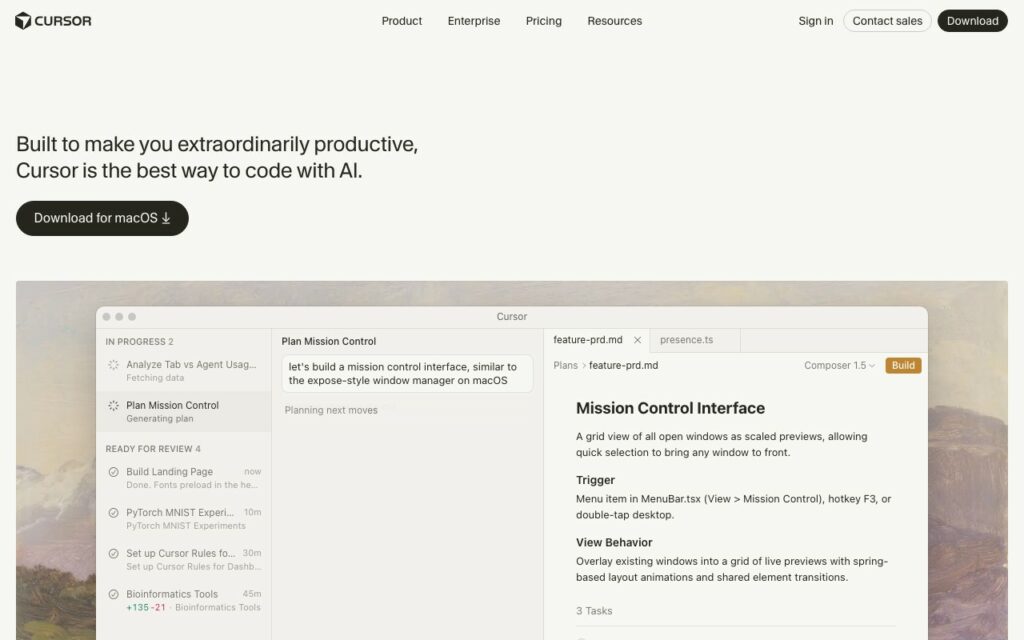
Cursor is a VS Code fork rebuilt around AI. It's the dominant player with $500M+ ARR and the largest community.
What makes it great:
- Multi-file reasoning (understands your entire codebase)
- Tab autocomplete that feels magical
- Agent mode runs 20 cloud agents in parallel
- Excellent context awareness
- Massive extension ecosystem (VS Code compatible)
What users say on Reddit:
“Cursor is way better if we talk about professional tools.” — r/vibecoding
“I use Cursor with Codex for coding. Software architecture is key.” — r/vibecoding
Pricing:
- Free: Limited completions
- Pro: $20/month
- Business: $40/user/month
Verdict: If you're a developer and can afford $20/month, Cursor is the default choice. It just works.
2. Windsurf — Best Value
Best for: Developers who want Cursor-level features at a lower price
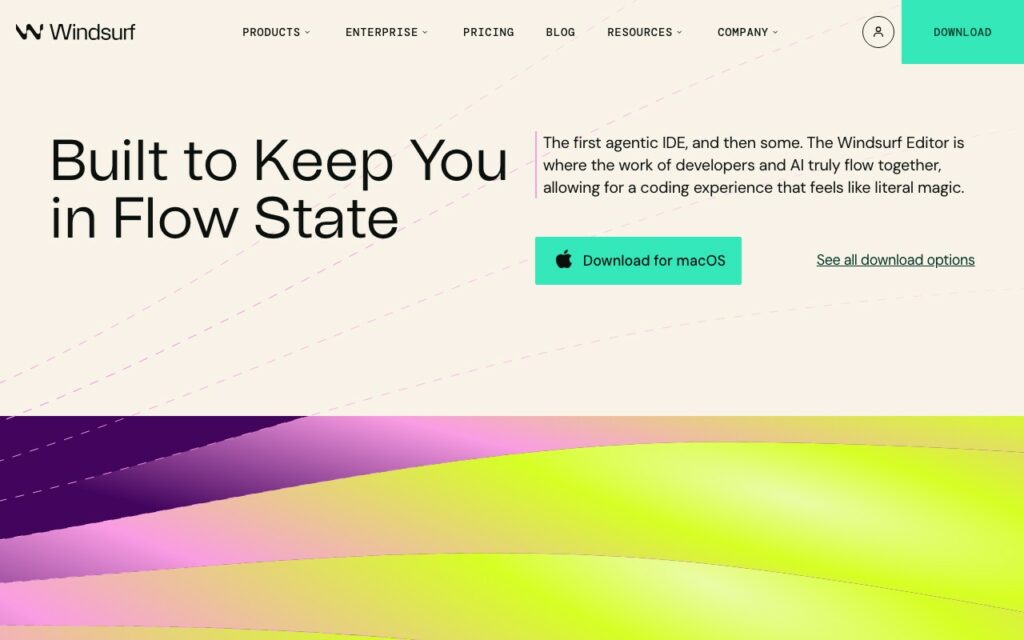
Windsurf (by Codeium) launched as a Cursor alternative and delivers similar capabilities for 25% less.
What makes it great:
- Cascade agent mode matches Cursor's quality
- Free tier is actually usable (unlike Cursor's)
- $15/month for Pro (vs Cursor's $20)
- Same VS Code base, similar UX
What users say:
“Windsurf offers the best price-to-feature ratio.” — Lushbinary comparison
“My friends from India use Cursor with DeepSeek API to save costs, but Windsurf is probably easier.” — r/cursor
Pricing:
- Free: Generous daily limits
- Pro: $15/month
Verdict: If Cursor feels expensive, Windsurf delivers 90% of the value at 75% of the price. Solid choice for budget-conscious developers.
3. Claude Code — Best for Complex Codebases
Best for: Autonomous coding on large, complex projects
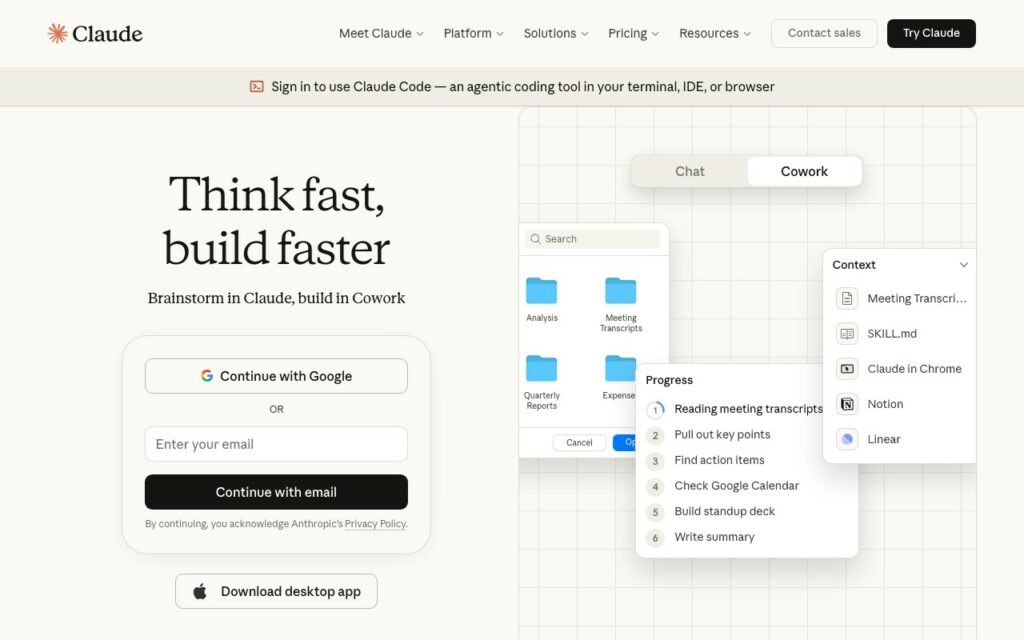
Claude Code is Anthropic's terminal-based coding agent. Unlike Cursor/Windsurf, it runs autonomously — you give it a task and it figures out the steps.
What makes it great:
- Handles massive context (200K tokens)
- Works across entire repositories
- Less hand-holding required
- Excels at refactoring and complex changes
What users say:
“Cursor is great but very very expensive. If you just want to vibe code, Claude Code is probably the best deal.” — r/cursor
Pricing:
- Uses Claude API credits (~$20/month typical usage)
- No subscription fee, pay per use
Verdict: Best for experienced developers working on large codebases. The autonomous approach is different — try it if Cursor feels too interactive.
4. GitHub Copilot — Best for Enterprise
Best for: Teams in corporate environments, GitHub-heavy workflows
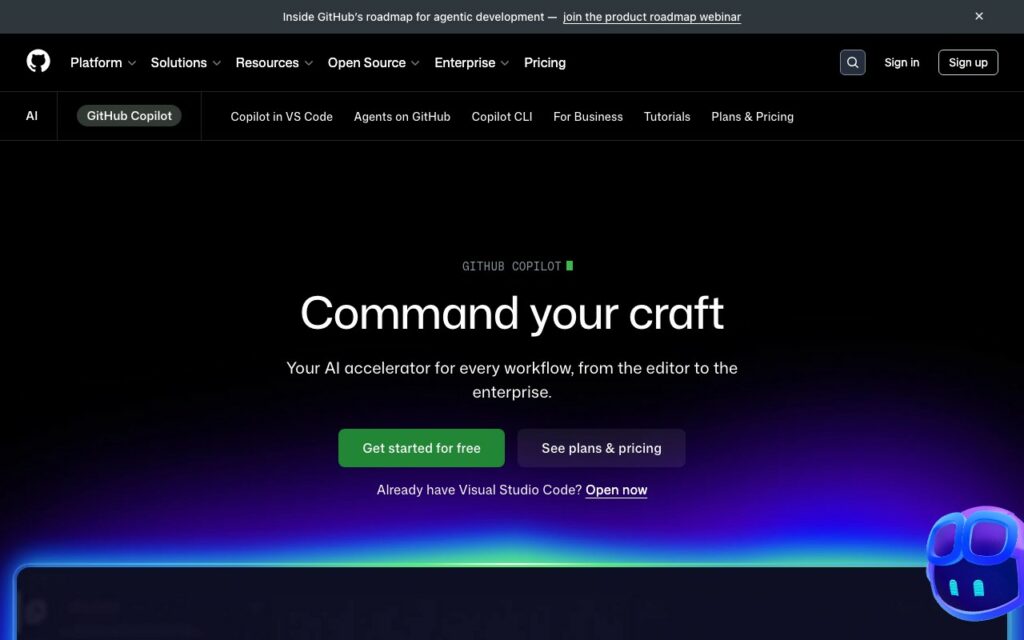
Copilot is the safe choice. It's backed by Microsoft/GitHub, integrates everywhere, and won't raise security concerns with IT departments.
What makes it great:
- Works in VS Code, JetBrains, Neovim, etc.
- Enterprise-ready with compliance features
- Strong autocomplete
- Free tier for students/open source
What users say:
“I've been enjoying VS Code and Copilot. I've spent way too many hours vibe coding my PWA but it solves all the problems I've had.” — r/vibecoding
Pricing:
- Free: For students, OSS maintainers
- Individual: $19/month
- Business: $21/user/month
- Enterprise: $39/user/month
Verdict: If your company already uses GitHub, Copilot is the path of least resistance. Not the most cutting-edge, but reliable and enterprise-ready.
Best AI App Builders (For Non-Coders)
5. Lovable — Most Popular for MVPs
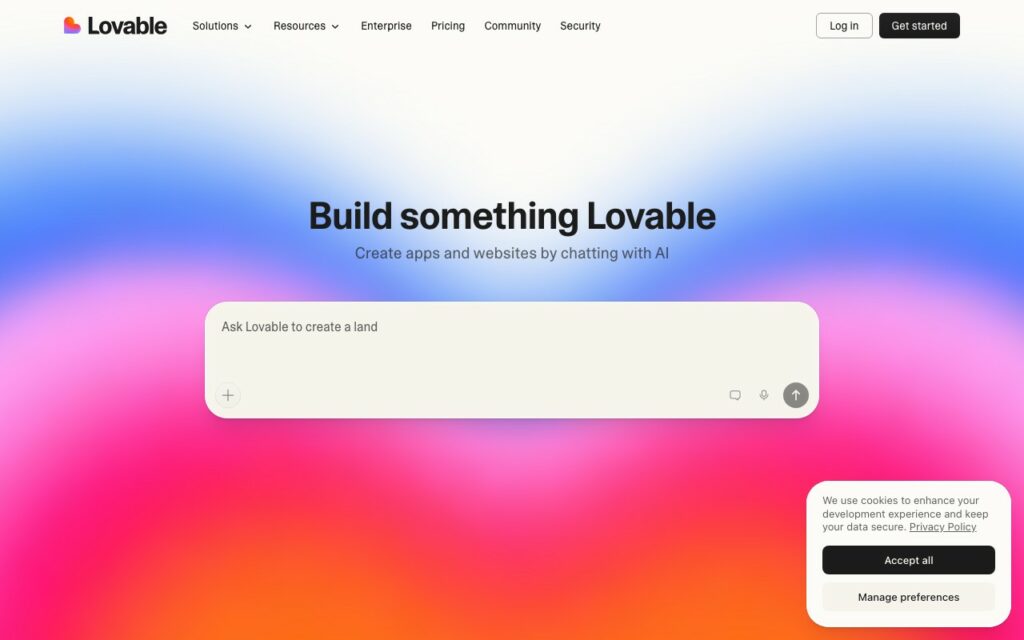
Best for: Non-technical founders who want a working app fast
Lovable is the darling of the vibe coding movement. It generates full-stack React apps with Supabase backends, GitHub sync, and one-click deployment.
What makes it great:
- 200,000 new projects created daily
- Outputs clean, readable React code
- Built-in Supabase integration (database + auth)
- One-click deploy to production
- Simplest UI (feels like ChatGPT)
What users say:
“Lovable has the simplest user interface, hiding a lot of the code details. It's the most like using ChatGPT.” — ZDNET
But also:
“Loveable is a trap, don't do it.” — r/vibecoding
“The price climbs quickly. Serious projects push you toward $50/month.” — vibecoding.app
Pricing:
- Free: 5 daily credits (~30/month)
- Starter: $20/month
- Launch: $50/month
- Scale: $100/month
Verdict: Best starting point for non-technical founders. Just know that serious projects will push you to paid plans fast. The Reddit hate comes from developers who feel limited — if you're non-technical, you'll love it.
6. Bolt.new — Best Free Tier
Best for: Trying vibe coding without paying anything
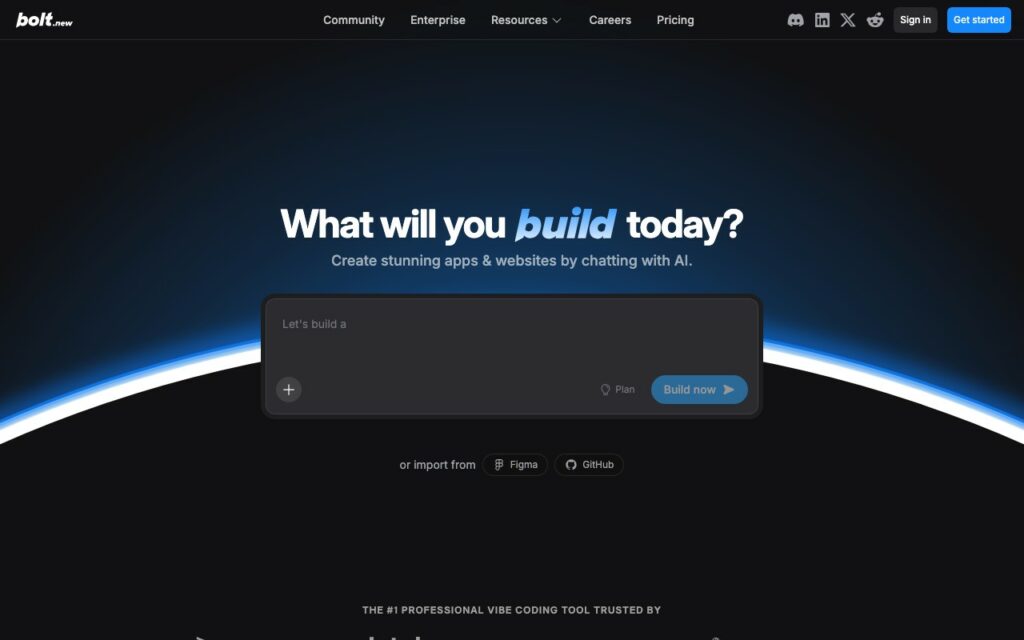
Bolt.new (by StackBlitz) offers the most generous free tier: 1 million tokens per month. That's enough to build real projects.
What makes it great:
- 1M free tokens/month (genuinely generous)
- Multi-framework support (React, Next.js, Vue, Svelte)
- Browser-based, no setup required
- Fast iteration
- Supabase integration
Pricing:
- Free: 1M tokens/month, 400K/day limit
- Pro: Token-based pricing for more
Verdict: Start here if you're experimenting. The free tier lets you build serious projects before paying anything.
7. Replit — Most Autonomous
Best for: End-to-end app building with minimal guidance
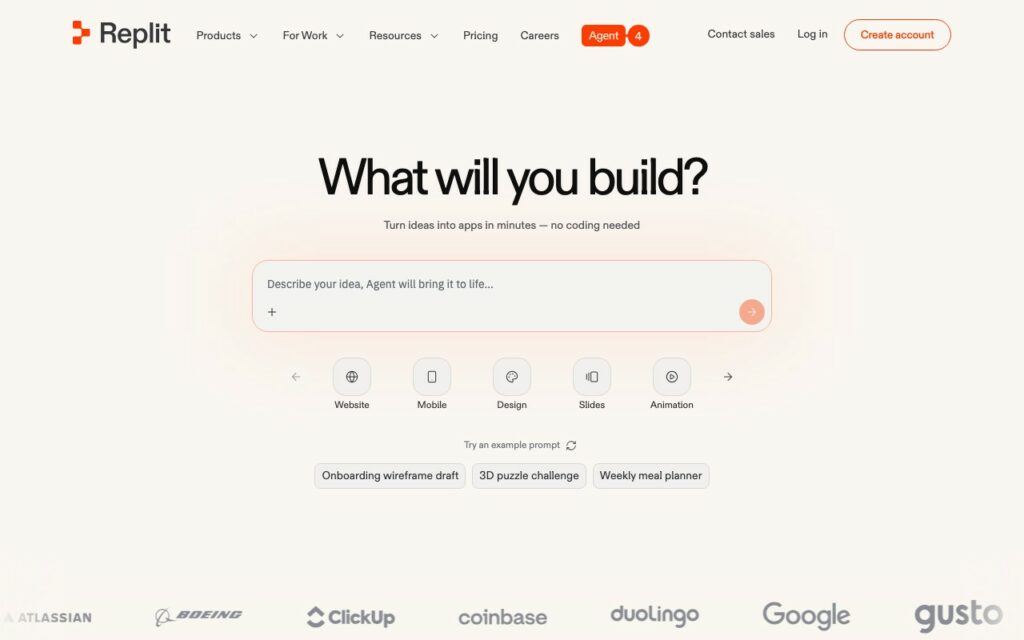
Replit Agent is the most autonomous option. It doesn't just write code — it installs dependencies, sets up databases, configures hosting, and deploys.
What makes it great:
- 30+ built-in integrations
- Handles DevOps automatically
- Browser-based development environment
- Great for learning (see your code as it's written)
What users say:
“Replit Agent can turn plain-English descriptions into working applications, lowering the barrier to entry for beginner coders.” — Business Insider
Pricing:
- Free: Daily agent credits, 1 app publication
- Paid: Credit-based system for more usage
Verdict: Most beginner-friendly for people who want zero technical overhead. The autonomy is impressive but can feel like a black box for developers.
8. v0 by Vercel — Best for Frontend
Best for: Developers who need clean React/Next.js components
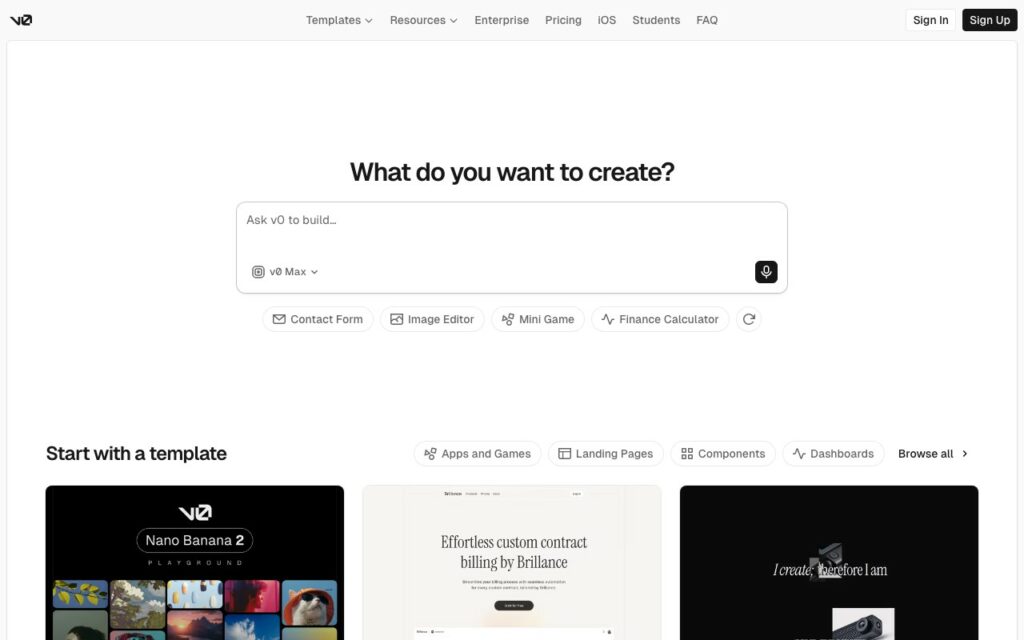
v0 specializes in frontend. It generates beautiful, functional React components that integrate directly with Vercel's ecosystem.
What makes it great:
- Outputs production-quality UI components
- Direct Vercel deployment
- Clean, customizable code
- Great for prototyping interfaces
Limitations:
- Frontend only (no backend generation)
- Best within Vercel ecosystem
Pricing:
- Free tier available
- Premium plans for more generations
Verdict: If you need UI components and you're already on Vercel, v0 is unbeatable for frontend work. Just know you'll need another tool for backend.
Quick Comparison Table
| Tool | Best For | Pricing | Free Tier | Learning Curve |
|---|---|---|---|---|
| Cursor | Pro developers | $20/mo | Limited | Medium |
| Windsurf | Budget developers | $15/mo | Generous | Medium |
| Claude Code | Complex codebases | ~$20/mo (API) | Pay-per-use | High |
| GitHub Copilot | Enterprise teams | $19/mo | Students only | Low |
| Lovable | Non-technical MVPs | $20-50/mo | 5 daily credits | Very Low |
| Bolt.new | Free experimentation | Token-based | 1M tokens/mo | Low |
| Replit | Autonomous building | Credit-based | Daily credits | Very Low |
| v0 | Frontend components | Tiered | Yes | Low |
What is Vibe Coding?
Vibe coding means building software by describing what you want rather than writing code manually. You “vibe” with the AI — explain your vision, iterate through conversation, and let the tool handle implementation.
It works because of advances in large language models (LLMs) that can understand context, write functional code, and debug their own mistakes.
Who uses vibe coding:
- Non-technical founders building MVPs
- Developers who want to move faster
- Designers prototyping functional apps
- Anyone with an idea but no coding background
The Two Categories of Vibe Coding Tools
Before diving in, understand that vibe coding tools split into two camps:
1. AI Code Editors (for developers)
These replace or enhance your IDE. You still work with code, but AI assists with writing, debugging, and refactoring.
- Best for: Developers who want to code faster
- Examples: Cursor, Windsurf, Claude Code, GitHub Copilot
2. AI App Builders (for non-coders)
These generate entire applications from prompts. You might never touch code.
- Best for: Non-technical users, rapid prototyping
- Examples: Lovable, Bolt.new, Replit, v0
Pick your category first, then choose within it.
How to Choose
You're a developer who wants to code faster:
→ Start with Cursor or Windsurf
You're non-technical and want a working app:
→ Start with Lovable or Bolt.new
You're on a tight budget:
→ Bolt.new (1M free tokens) or Windsurf ($15/mo)
You work in enterprise:
→ GitHub Copilot (compliance-friendly)
You're building complex, multi-file projects:
→ Claude Code or Cursor (Agent mode)
You just want to try vibe coding:
→ Bolt.new (free) → then Lovable if you like it
The Hybrid Approach
Many power users combine tools:
- Lovable or Bolt.new for initial prototyping
- Cursor or Windsurf for serious development
- Claude Code for complex refactoring
Don't marry one tool. Use what works for each phase.
Final Thoughts
Vibe coding isn't replacing programmers — it's changing what programming means. The barrier to building software has never been lower.
If you're technical, tools like Cursor let you build 5x faster. If you're not, tools like Lovable let you build at all.
Either way, the best time to start vibe coding was last year. The second best time is today.
Sources: Business Insider, Reddit (r/vibecoding, r/cursor, r/webdev), ZDNET, DataCamp, Product Hunt, and hands-on testing.

As one of the co-founders of Codeless, I bring to the table expertise in developing WordPress and web applications, as well as a track record of effectively managing hosting and servers. My passion for acquiring knowledge and my enthusiasm for constructing and testing novel technologies drive me to constantly innovate and improve.
Expertise:
Web Development,
Web Design,
Linux System Administration,
SEO
Experience:
15 years of experience in Web Development by developing and designing some of the most popular WordPress Themes like Specular, Tower, and Folie.
Education:
I have a degree in Engineering Physics and MSC in Material Science and Opto Electronics.




Comments