

Claude vs ChatGPT is one of the most asked questions daily, so i want to give a response to it today.
ChatGPT and Claude are the two most popular AI assistants in 2026. Both sit in the top 3 of app store downloads, and both have devoted users who swear by their choice.
But which one is actually better? After extensive testing across dozens of use cases, here's what you need to know.

Quick Verdict
Choose ChatGPT if: You need image generation, voice conversations, web browsing, or the largest plugin ecosystem.
Choose Claude if: You need longer documents, nuanced writing, coding assistance, or more thoughtful responses.
Head-to-Head Comparison
Writing Quality
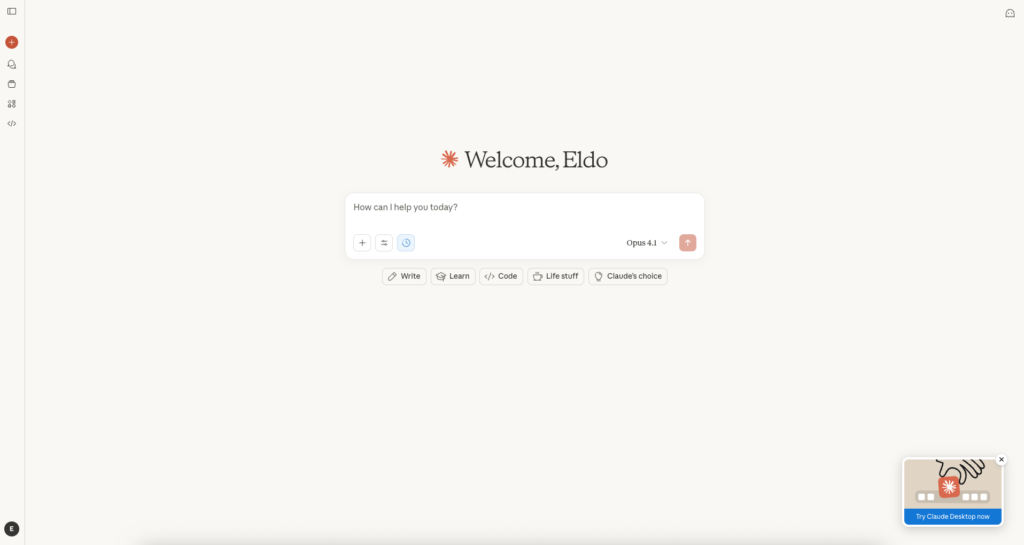
Claude wins.
Claude's writing feels more natural and less robotic. It picks up on tone better, handles nuance well, and produces content that reads like a human wrote it.
ChatGPT's writing is competent but often feels formulaic. You'll notice patterns — the same transitional phrases, similar paragraph structures, predictable conclusions.
For professional content, blog posts, or anything that needs to sound human, Claude has the edge.
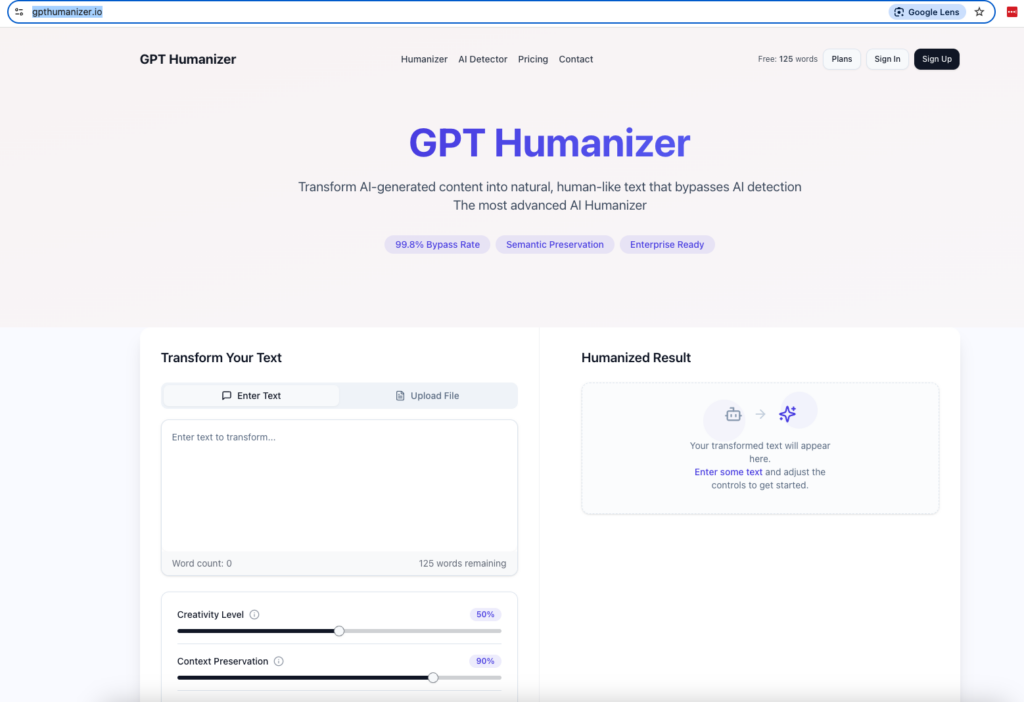
Pro tip: If you're using either tool for content that needs to pass AI detection (academic work, professional articles, client deliverables), run the output through GPThumanizer.io. It transforms AI-generated text into natural, human-sounding content that bypasses detection tools like ZeroGPT and Turnitin.
Coding Assistance
Tie, with different strengths.
ChatGPT excels at:
- Quick code snippets
- Explaining concepts to beginners
- Broad language support
- Integration with development tools
Claude excels at:
- Understanding large codebases
- Refactoring existing code
- Explaining complex logic
- Catching subtle bugs
For day-to-day coding questions, both work well. For complex projects where you need to paste in hundreds of lines of code, Claude's larger context window gives it an advantage.
Context Window (Memory)
Claude wins decisively.
Claude can process up to 200K tokens — roughly 150,000 words or a 500-page book. ChatGPT's context window is smaller, though it has improved significantly.
This matters when you're:
- Analyzing long documents
- Working with large codebases
- Having extended conversations
- Comparing multiple sources
If your workflow involves long-form content, Claude is the clear choice.
Image Generation
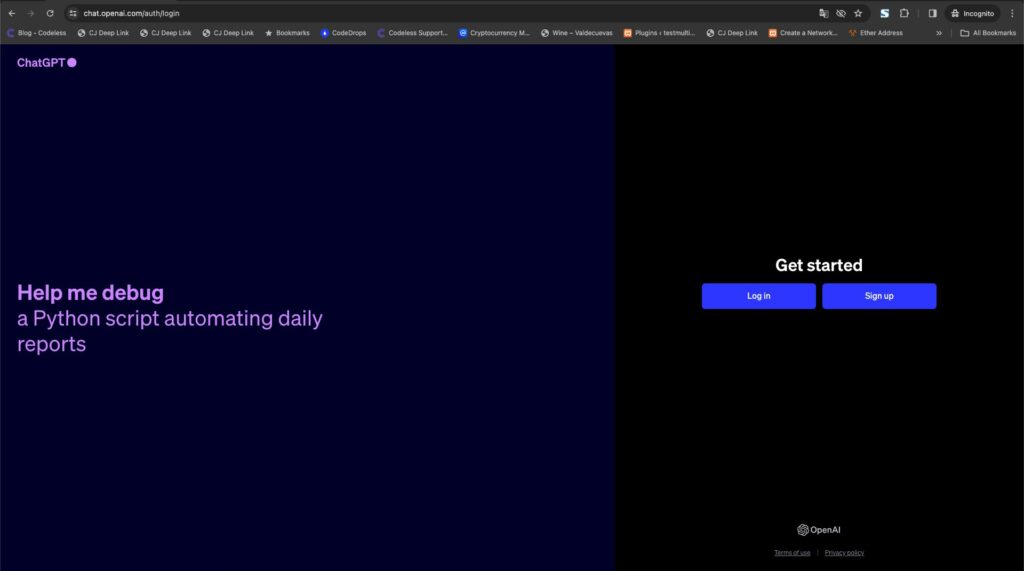
ChatGPT wins.
ChatGPT integrates DALL-E for image generation directly in the conversation. Claude cannot generate images at all.
For marketers, designers, or anyone who needs quick visuals, this is a significant advantage for ChatGPT.
Web Browsing
ChatGPT wins.
ChatGPT can browse the web in real-time, pulling current information and citing sources. Claude's knowledge has a training cutoff date.
For research, news analysis, or anything requiring current information, ChatGPT is more practical.
Voice & Multimodal
ChatGPT wins.
ChatGPT's voice mode is remarkably natural. You can have flowing conversations, and it handles interruptions well. Claude's voice capabilities are more limited.
Both can analyze images you upload, but ChatGPT's multimodal features are more polished.
Reasoning & Analysis
Claude wins slightly.
Claude tends to think more carefully before responding. It's better at:
- Acknowledging uncertainty
- Considering multiple perspectives
- Catching logical flaws
- Providing nuanced answers
ChatGPT sometimes rushes to give an answer, even when the question deserves more careful consideration.
Safety & Refusals
Depends on your perspective.
Claude is more cautious. It refuses more requests and adds more caveats. Some users find this annoying; others appreciate the guardrails.
ChatGPT is more willing to engage with edge cases but can still refuse unexpectedly.
Neither is perfect here.
Pricing Comparison (March 2026)
| Plan | ChatGPT | Claude |
|---|---|---|
| Free | Yes (limited) | Yes (limited) |
| Pro | $20/month | $20/month |
| Team | $25/user/month | $25/user/month |
| Enterprise | Custom | Custom |
Pricing is nearly identical. The free tiers on both are useful for light usage but hit limits quickly.
Best Use Cases
Use ChatGPT For:
- Quick questions — Fast, confident answers
- Image generation — Built-in DALL-E
- Voice conversations — Superior voice mode
- Current events — Web browsing capability
- Plugin ecosystem — Thousands of integrations
- General productivity — Jack of all trades
Use Claude For:
- Long documents — Massive context window
- Professional writing — More natural output
- Complex coding — Better at large codebases
- Research synthesis — Handles multiple sources well
- Nuanced topics — More thoughtful responses
- Content creation — Less detectable AI patterns
The Hybrid Approach
Many power users use both:
- Claude for first drafts — Better writing quality
- ChatGPT for research — Web browsing helps
- Claude for editing — Catches issues ChatGPT misses
- ChatGPT for images — When you need visuals
This isn't about loyalty to one tool. It's about using the right tool for each task.
What About AI Detection?
Both tools produce content that AI detectors can flag. If you're creating content for:
- Academic submissions
- Client deliverables
- Professional publications
- SEO content
You'll want to either heavily edit the output or use a tool like GPThumanizer.io to make it undetectable. It works with content from both ChatGPT and Claude.
Final Verdict
For most users: Start with ChatGPT. Its broader feature set (images, voice, web browsing, plugins) makes it more versatile for everyday use.
For writers and developers: Try Claude. The writing quality and context window make it worth the switch for content-heavy workflows.
For power users: Use both. They complement each other well.
The AI assistant landscape is evolving fast. What matters most is finding the workflow that makes you productive — whether that's one tool, both, or a combination with other AI services.

As one of the co-founders of Codeless, I bring to the table expertise in developing WordPress and web applications, as well as a track record of effectively managing hosting and servers. My passion for acquiring knowledge and my enthusiasm for constructing and testing novel technologies drive me to constantly innovate and improve.
Expertise:
Web Development,
Web Design,
Linux System Administration,
SEO
Experience:
15 years of experience in Web Development by developing and designing some of the most popular WordPress Themes like Specular, Tower, and Folie.
Education:
I have a degree in Engineering Physics and MSC in Material Science and Opto Electronics.



Comments