
How to Fix ERR_CACHE_MISS in Chrome (2026)
- November 16, 2026
- Guides & Business Tips
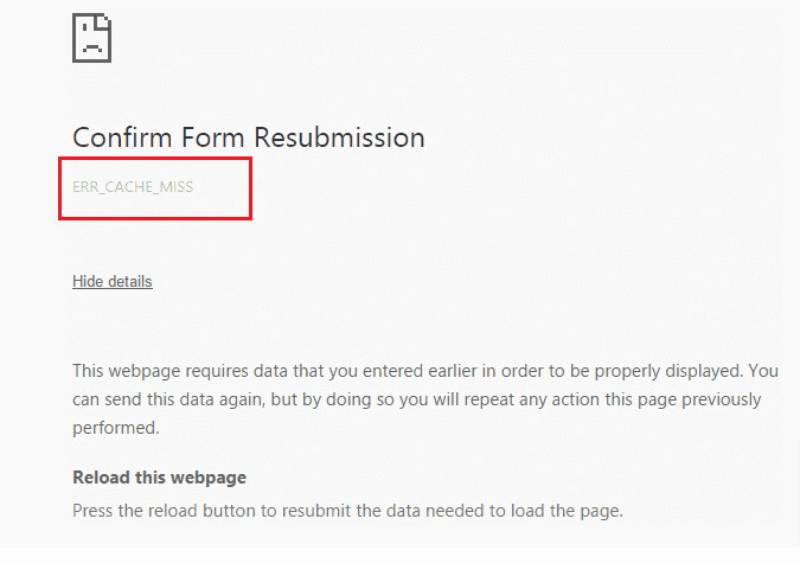
ERR_CACHE_MISS usually appears when Chrome needs confirmation before resubmitting form data or when a page, extension, or developer configuration handles caching incorrectly. Reload carefully, preserve unsaved input, test extensions and a clean profile, update the browser, and investigate site code before changing network-wide settings. This is one of […] (Read More)