

Finding the best RLCraft server hosting is important because this Minecraft modpack is much heavier than a normal vanilla server. It needs enough RAM, fast storage, a strong CPU, and a host that makes modpack setup easy.
RLCraft runs on Minecraft 1.12.2 with Forge and is known for dragons, thirst, temperature, deadly mobs, and a much harder survival loop. The official RLCraft CurseForge page is the best external reference for the modpack files and version details.
If you want more general options, you can also read our guide on cheap Minecraft server hosting. For other survival games, our V Rising server hosting comparison follows a similar testing style.
The Top 5 Best RLCraft Server Hosting Providers
| Provider | Best For | RLCraft Support | Starting Point |
|---|---|---|---|
| Apex Hosting | Best overall | RLCraft guide and panel install | Modded Minecraft plans |
| BisectHosting | Best for easy setup | RLCraft pre-installed option | Budget and Premium plans |
| PebbleHost | Best value for RAM | Dedicated RLCraft hosting page | Budget and Premium tiers |
| ScalaCube | Best for beginners | RLCraft store page | Minecraft VPS plans |
| Shockbyte | Best budget modpack host | CurseForge modpack installer | Minecraft hosting plans |
1. Apex Hosting
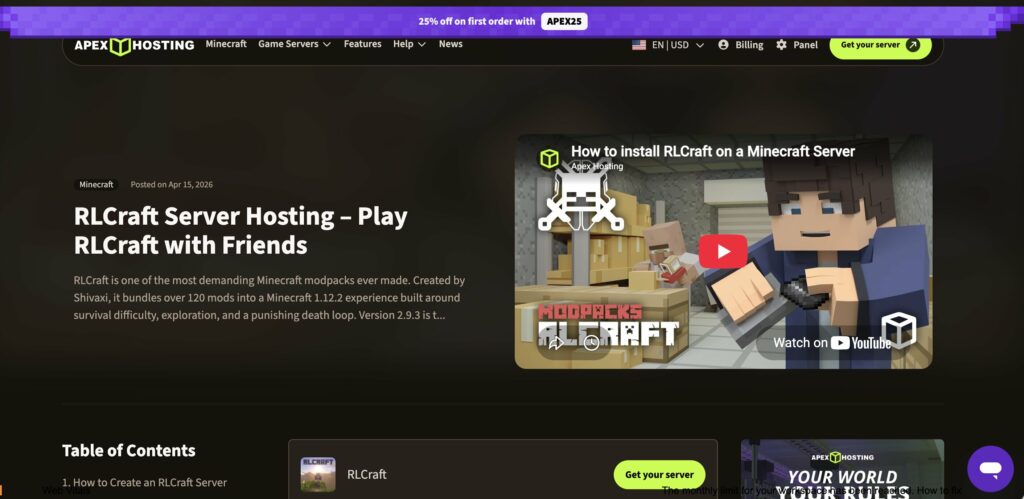
Apex Hosting is the best overall choice for most RLCraft players because it has a dedicated RLCraft setup guide and a beginner-friendly Minecraft panel. It explains the exact server settings needed for RLCraft, including command blocks, flight, hard difficulty, and tick-time adjustments.
This is useful because RLCraft is not a simple one-click modpack in practice. It needs the right Forge version, enough RAM, and the correct server.properties configuration to avoid crashes and broken world generation.
- Best for: Overall RLCraft server hosting
- Key features: Modpack installer, support, server panel, DDoS protection
- Recommended RAM: At least 6GB for a small server
2. BisectHosting
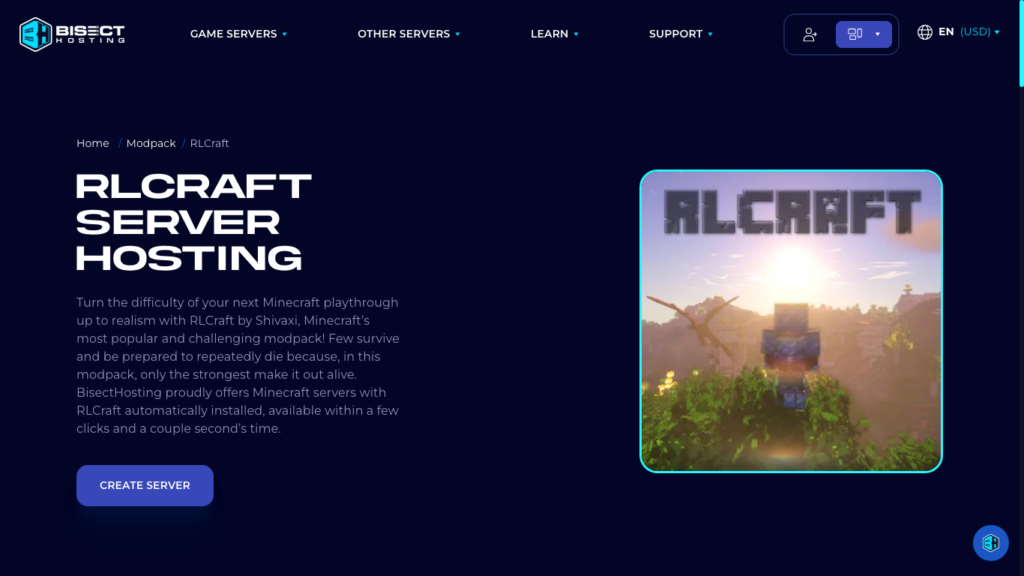
BisectHosting is one of the easiest options if you want RLCraft automatically installed. Its RLCraft page says the host can set up the modpack in a few clicks, which is ideal for new server owners.
BisectHosting is also a strong option for players who may switch between different Minecraft modpacks. Its large modpack library makes it easier to move from RLCraft to other Forge or CurseForge packs later.
- Best for: Fast setup and modpack switching
- Key features: RLCraft auto-install, 24/7 support, backups, modpack menu
- Recommended RAM: 8GB for smoother gameplay
3. PebbleHost
PebbleHost is a good value pick for players who want flexible RAM and strong hardware without paying premium prices from the start. Its RLCraft page highlights NVMe storage, DDoS protection, global locations, and a one-click modpack installer.
This matters because RLCraft creates heavy world generation, many mobs, and more server load than regular Minecraft. A host with fast CPUs and NVMe storage can help reduce lag during exploration and combat.
- Best for: Value and scalable RAM
- Key features: NVMe storage, global regions, daily backups on higher plans
- Recommended RAM: 6GB to 8GB for small groups
4. ScalaCube
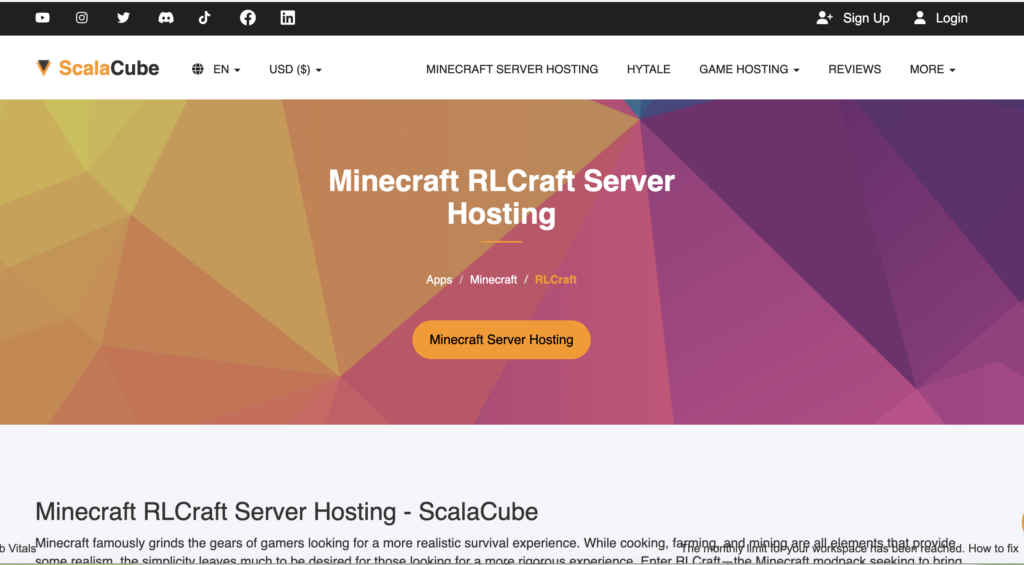
ScalaCube is a beginner-friendly RLCraft hosting option with a dedicated store page for the modpack. It explains the basic process: get a Minecraft server, choose RLCraft from the panel, and create the game server.
The biggest advantage is simplicity. If you want a straightforward Minecraft modpack hosting experience, ScalaCube is easy to understand and gives you a control panel built around game server management.
- Best for: Beginners
- Key features: RLCraft install option, custom control panel, automated services
- Recommended RAM: 6GB or more for RLCraft
5. Shockbyte
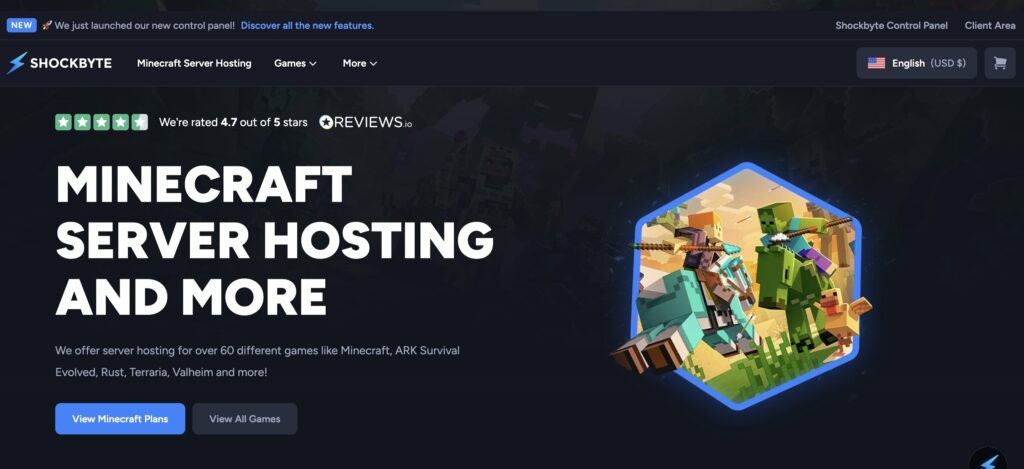
Shockbyte is a strong budget option for Minecraft server hosting and modded Minecraft servers. Its site promotes a modpack installer, backups, DDoS protection, and long experience in Minecraft hosting.
Shockbyte is best for players who want affordable hosting and are comfortable choosing the right plan for a heavy pack. For RLCraft, avoid very small RAM plans and start with enough memory to handle Forge, mobs, and world generation.
- Best for: Budget modpack hosting
- Key features: Modpack installer, DDoS protection, backups, 24/7 support
- Recommended RAM: 6GB minimum, 8GB preferred
How to Choose RLCraft Server Hosting
RLCraft is demanding because it changes almost every part of Minecraft survival. You should not choose a host only by the cheapest monthly price.
Look for at least 6GB of RAM, a strong modern CPU, SSD or NVMe storage, and an easy way to install Forge modpacks. DDoS protection and backups are also important if you run a public server.
For a private server with a few friends, 6GB to 8GB RAM is usually a good starting point. For a larger public RLCraft server, you should consider more RAM and stronger CPU resources.
Conclusion
The best RLCraft server hosting provider for most players is Apex Hosting because it combines a specific RLCraft guide, Minecraft-focused support, and clear setup instructions.
BisectHosting is excellent for easy automatic installation, while PebbleHost is a strong value option for RAM and hardware. ScalaCube is simple for beginners, and Shockbyte is a good budget choice for users who know how much memory their modded server needs.
FAQ
What is the best RLCraft server hosting?
Apex Hosting is the best overall option for RLCraft because it provides a dedicated RLCraft guide and clear configuration steps. BisectHosting and PebbleHost are also excellent choices.
How much RAM does an RLCraft server need?
Most small RLCraft servers should start with at least 6GB of RAM. For smoother gameplay with several players, 8GB is a better choice.
Can I host RLCraft for free?
You can host it yourself, but free hosting is usually not ideal for RLCraft. The modpack is heavy and can lag or crash without enough RAM and CPU power.
Does RLCraft need Forge?
Yes. RLCraft runs on Minecraft 1.12.2 with Forge, and players need the correct client-side modpack installed before joining the server.
Is RLCraft harder to host than normal Minecraft?
Yes. RLCraft uses many mods, complex mobs, world generation, and survival systems, so it needs stronger hosting than a basic vanilla Minecraft server.

As one of the co-founders of Codeless, I bring to the table expertise in developing WordPress and web applications, as well as a track record of effectively managing hosting and servers. My passion for acquiring knowledge and my enthusiasm for constructing and testing novel technologies drive me to constantly innovate and improve.
Expertise:
Web Development,
Web Design,
Linux System Administration,
SEO
Experience:
15 years of experience in Web Development by developing and designing some of the most popular WordPress Themes like Specular, Tower, and Folie.
Education:
I have a degree in Engineering Physics and MSC in Material Science and Opto Electronics.

Comments