

Twitter monitoring is the difference between brands that lead the conversation and brands that are always catching up.
Every minute, thousands of tweets mention products, services, and companies and if you're not tracking what's being said about yours, you're flying blind. A single viral complaint or an unnoticed surge of positive buzz can shape your reputation overnight, and you won't even know it happened.
In this guide, we've tested and ranked the 7 best monitoring tools for Twitter or X available today, covering everything from pricing and features to who each tool is best suited for. Whether you're a solo creator, a marketing team, or a large enterprise, there's a solution here for you.
What Is Twitter Monitoring?
Twitter monitoring (also called Twitter listening or social listening) is the process of tracking mentions, keywords, hashtags, and conversations on Twitter/X in real time. It helps you:
- Track brand mentions — know when people talk about you
- Monitor competitors — see what's being said about rival brands
- Follow industry trends — stay ahead of what's happening in your niche
- Manage your reputation — respond to negative sentiment before it spreads
- Measure campaign performance — understand how your audience reacts to campaigns
- Track Bio Changes
- Track Deleted Tweets
Now, let's dive into the best tools to help you do this effectively.
The 7 Best Twitter Monitoring Tools in 2026
1. TrackTweets — 🏆 Best Overall Twitter Monitoring Tool
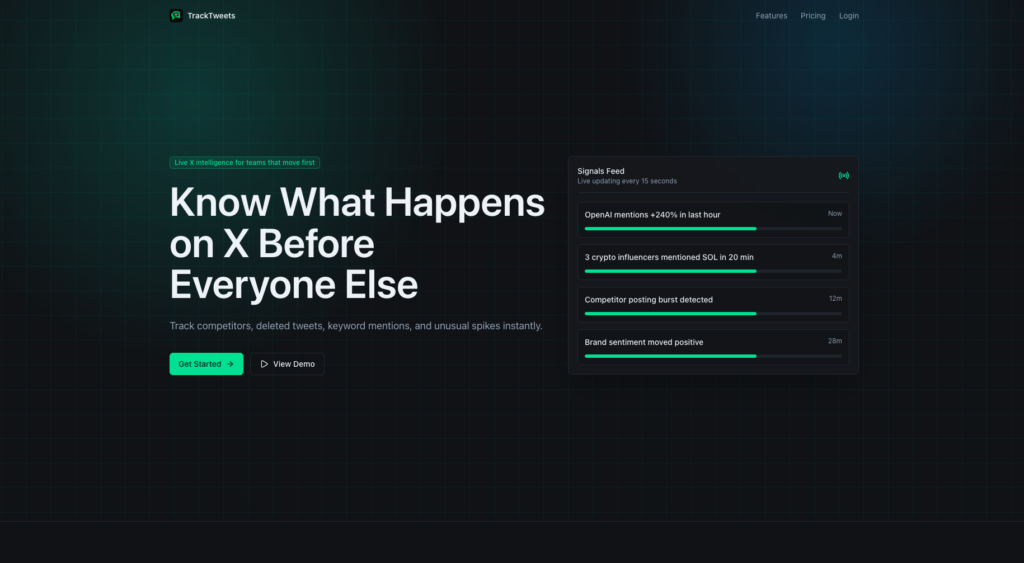
Best for: Businesses of all sizes who want powerful, focused monitoring Twitter accounts without the bloat of an all-in-one suite.
TrackTweets is our top pick for monitoring Twitter, and for good reason. Unlike generic social media tools that try to do everything, TrackTweets is built specifically for Twitter/X — and that laser focus shows in every feature it offers.
Why TrackTweets Stands Out:
TrackTweets delivers real-time monitoring that actually works. The moment someone tweets about your brand, a competitor, or a keyword you're tracking, you get notified. It can also monitor and track the deleted tweets or changes in the bio.
There's no significant delay, no missed mentions — just instant, accurate data.
The dashboard is clean and intuitive. You don't need hours of onboarding to understand what's happening. Within minutes, you can set up keyword alerts, track multiple accounts, and view sentiment trends side by side.
Key Features:
- Real-Time Tweet Alerts — Instant notifications via email, Slack, or in-app whenever a tracked keyword or mention is detected
- Keyword & Hashtag Tracking — Monitor unlimited keywords, hashtags, and brand mentions simultaneously
- Bio Changes – Monitor Twitter account bio changes
- Deleted Tweets – Software can monitor and track the deleted tweets
- Competitor Monitoring — Track what people are saying about competitor brands or accounts
- Sentiment Analysis — Automatically categorize tweets as positive, neutral, or negative
- Influencer Detection — Identify high-follower accounts mentioning your keywords
- Historical Data Access — Search and export past tweets for trend analysis and reporting
- Custom Dashboards — Build personalized monitoring dashboards with the metrics that matter most to you
- Team Collaboration — Assign tweets to team members and manage responses from one place
- CSV & PDF Export — Download reports for stakeholders and clients in a few clicks
- API Access — Integrate Twitter data directly into your own apps or workflows
Pricing: Flexible plans starting from a $9/mo, with premium options for higher volume and advanced features.
Verdict: If monitoring Twitter is a core part of your strategy, TrackTweets is the most capable and purpose-built tool available. It consistently outperforms broader social media suites when it comes to Twitter-specific depth and accuracy.
2. Brandwatch
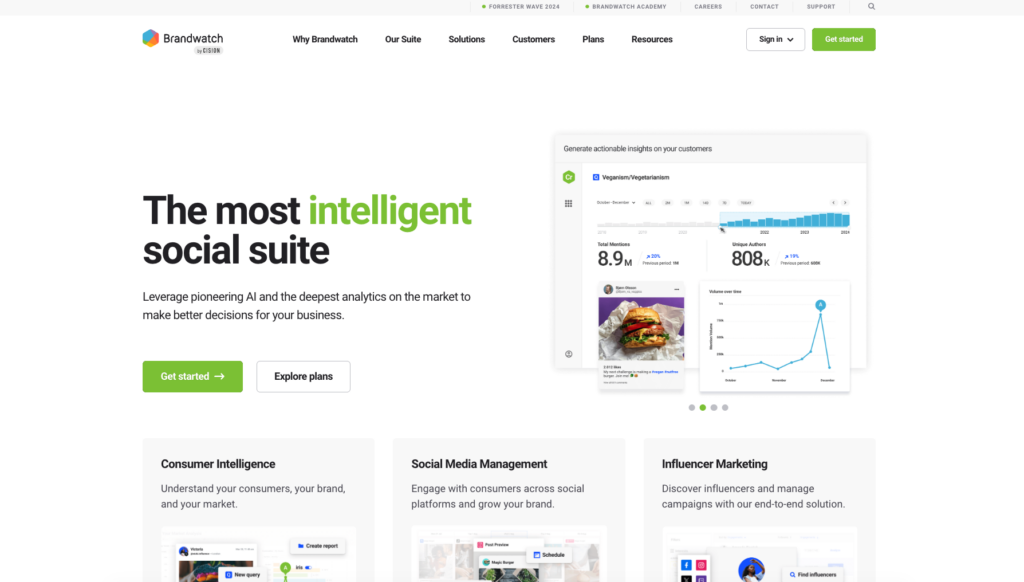
Best for: Enterprise teams needing deep social intelligence across multiple platforms.
Brandwatch is one of the most powerful social listening platforms on the market. Its Twitter analytics capabilities are excellent, backed by a massive data library and sophisticated AI-driven analytics.
Key Features:
- AI-powered sentiment analysis and topic clustering
- Real-time alerts and historical data going back years
- Competitive benchmarking dashboards
- Boolean query builder for highly specific searches
- Integration with CRM and marketing platforms
Pricing: Enterprise-level pricing, typically starting around $1,000/month. No self-serve free tier.
Best For: Large companies with dedicated social analytics teams and significant budgets.
3. Hootsuite Insights (powered by Brandwatch)
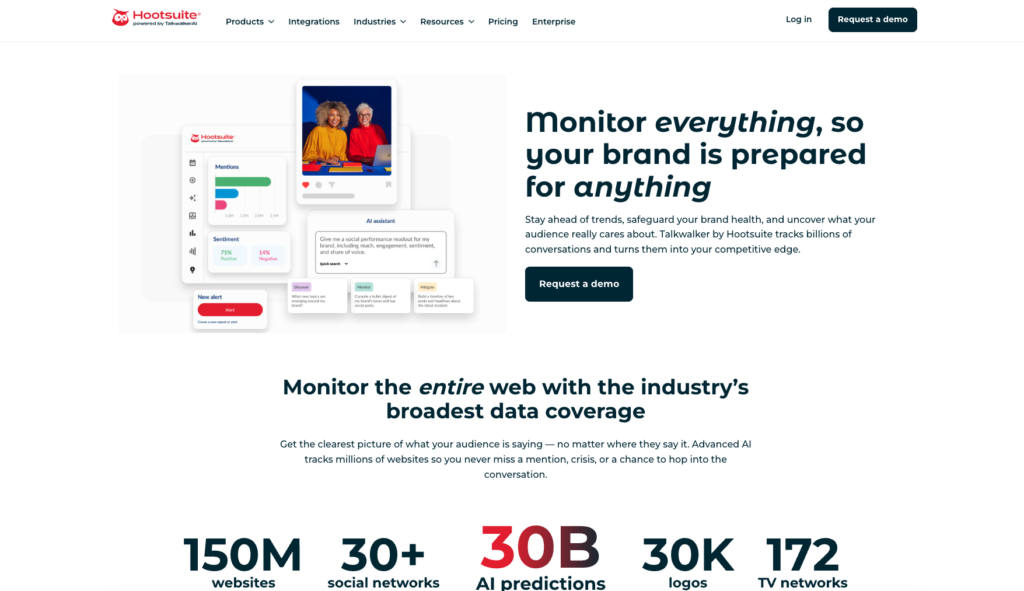
Best for: Teams already using Hootsuite for social media management who want to add monitoring.
Hootsuite Insights layers Brandwatch's social listening technology on top of Hootsuite's scheduling and management platform. This makes it a natural upgrade for teams already in the Hootsuite ecosystem.
Key Features:
- Real-time keyword and hashtag monitoring on Twitter/X
- Sentiment tracking and share-of-voice metrics
- Audience demographic breakdowns
- Seamless integration with Hootsuite's publishing and analytics tools
- Customizable alert thresholds
Pricing: Available as an add-on to Hootsuite Business/Enterprise plans. Hootsuite plans start at $99/month; Insights is an additional cost.
Best For: Social media managers who want monitoring built into their existing workflow tool.
4. Mention
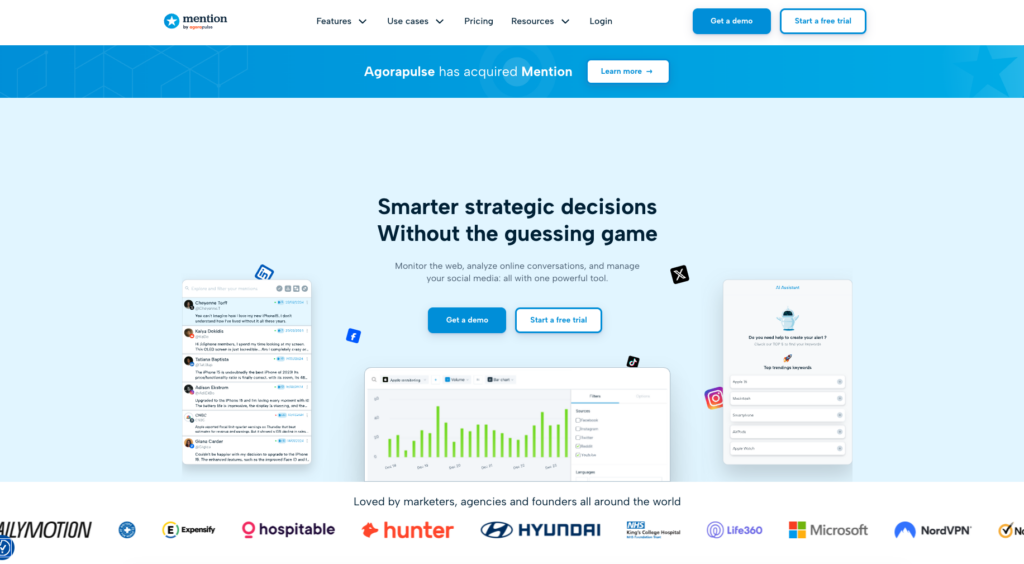
Best for: Small to mid-size businesses and agencies looking for an affordable yet capable monitoring solution.
Mention offers real-time monitoring across Twitter/X and the broader web, making it a solid choice for brands that want to track both social and online news coverage together.
Key Features:
- Real-time Twitter mentions and keyword alerts
- Competitor comparison reports
- Sentiment analysis and influencer scoring
- Boolean search operators for precise tracking
- Team collaboration features with role management
- Web and news monitoring alongside Twitter
Pricing: Solo plan from $41/month; Pro from $83/month; Enterprise pricing available.
Best For: Growing businesses and marketing agencies managing multiple client accounts.
5. Sprout Social
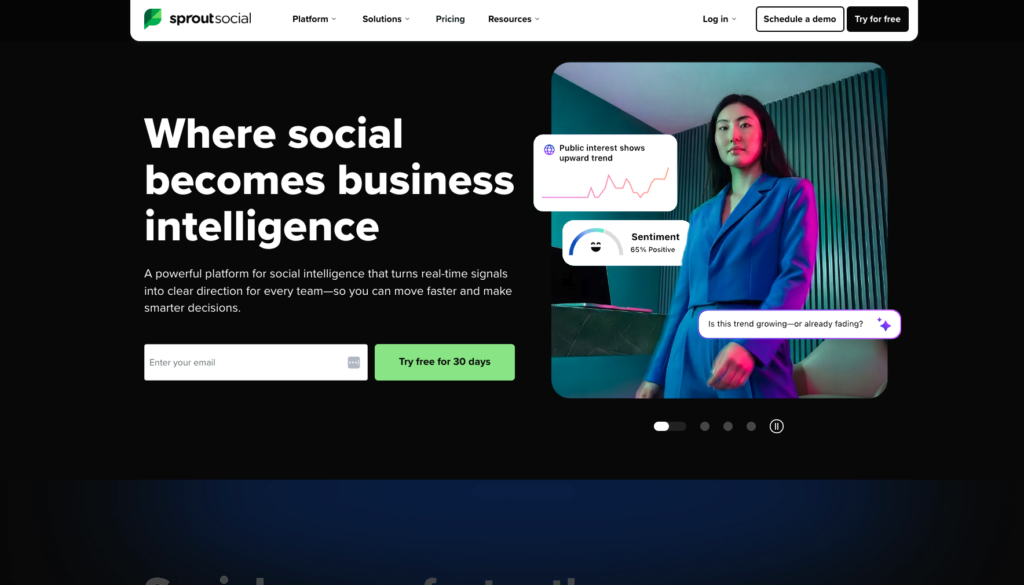
Best for: Mid-market and enterprise teams wanting an all-in-one social media management platform with strong monitoring.
Sprout Social is a premium platform combining publishing, engagement, analytics, and listening. Its Twitter monitoring tools are robust, though the platform's strength is really its end-to-end social media management suite.
Key Features:
- Smart Inbox that aggregates Twitter mentions, DMs, and replies
- Keyword and hashtag listening across Twitter/X
- Competitor performance benchmarking
- In-depth engagement analytics and custom reporting
- CRM-style contact management for Twitter conversations
- Integration with Salesforce, HubSpot, and more
Pricing: Standard plan starts at $249/month per seat. Advanced listening features available on higher tiers.
Best For: Mid-to-large businesses that need a full social media management suite, not just monitoring.
6. Keyhole
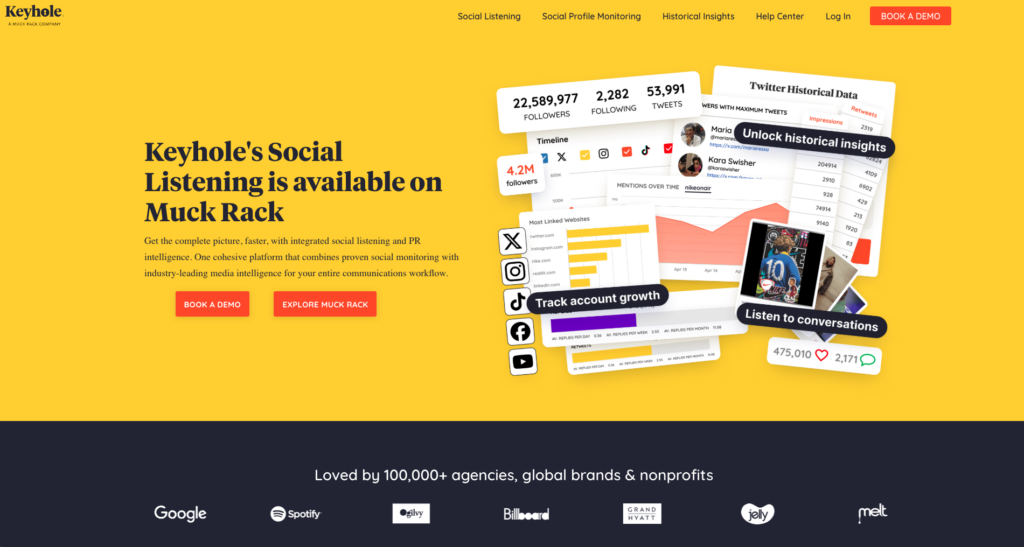
Best for: Marketers tracking specific Twitter campaigns, hashtags, and influencer performance.
Keyhole is purpose-built for hashtag analytics and campaign tracking on Twitter/X and other platforms. It's particularly strong for event monitoring and influencer marketing campaigns.
Key Features:
- Real-time hashtag and keyword tracking
- Historical data retrieval for past campaign analysis
- Influencer identification and performance metrics
- Campaign-specific dashboards with automated reports
- Geo-location filtering for location-based monitoring
- White-label reporting for agencies
Pricing: Starts at $79/month for basic plans; higher tiers for more profiles and data volume.
Best For: Campaign managers, event marketers, and agencies running influencer marketing programs.
7. TweetDeck (X Pro)
Best for: Individual Twitter/X power users and journalists who need a free, simple monitoring setup.
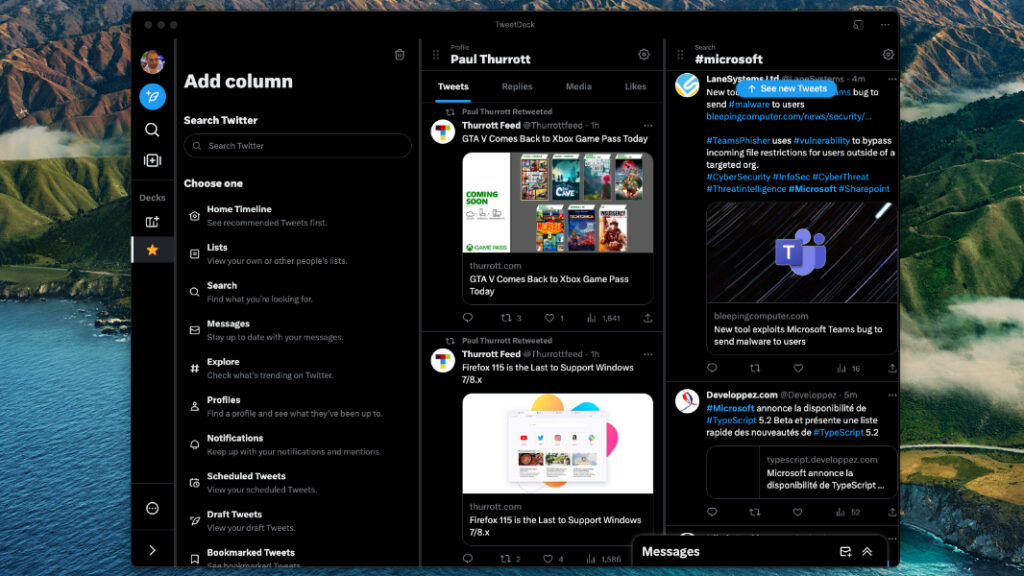
TweetDeck now rebranded as X Pro is Twitter's own native monitoring and management dashboard. While it lacks the advanced analytics of paid tools, it remains the go-to free option for individuals who need to monitor multiple feeds and searches simultaneously.
Key Features:
- Multiple column layout for tracking different feeds, lists, and searches
- Real-time keyword and hashtag search columns
- Schedule tweets and manage multiple accounts
- Filter by tweet type, engagement level, and location
- No third-party API limitations — direct access to Twitter data
Pricing: Included with X Premium (formerly Twitter Blue) subscription, approximately $8/month on web.
Best For: Solo users, journalists, and community managers who need a free or low-cost solution without advanced analytics.
Twitter Monitoring Tools: Feature & Price Comparison Table
| Tool | Starting Price | Real-Time Alerts | Sentiment Analysis | Competitor Tracking | Historical Data | Team Features | Best For |
|---|---|---|---|---|---|---|---|
| TrackTweets | $9/mo | ✅ Yes | ✅ Yes | ✅ Yes | ✅ Yes | ✅ Yes | All business sizes |
| Brandwatch | ~$1,000/mo | ✅ Yes | ✅ Advanced AI | ✅ Yes | ✅ Years of data | ✅ Enterprise | Large enterprises |
| Hootsuite Insights | $99/mo + add-on | ✅ Yes | ✅ Yes | ✅ Yes | ✅ Yes | ✅ Yes | Hootsuite users |
| Mention | $41/mo | ✅ Yes | ✅ Yes | ✅ Yes | ✅ Limited | ✅ Yes | SMBs & agencies |
| Sprout Social | $249/mo per seat | ✅ Yes | ✅ Yes | ✅ Yes | ✅ Yes | ✅ Advanced | Mid-market teams |
| Keyhole | $79/mo | ✅ Yes | ✅ Yes | ✅ Limited | ✅ Yes | ✅ Yes | Campaign marketers |
| TweetDeck / X Pro | ~$8/mo | ✅ Basic | ❌ No | ❌ No | ❌ No | ❌ Limited | Individual users |
How to Choose the Right Twitter Monitoring Tool
With so many options, here's a quick framework to help you decide to choose:
TrackTweets.com if: You want the best dedicated Twitter monitoring experience with real-time alerts, sentiment analysis, and competitor tracking — at a price that scales with your needs.
Brandwatch if: You're an enterprise with a large budget needing cross-platform social intelligence and advanced AI analytics.
Hootsuite Insights if: Your team already lives inside the Hootsuite platform and you want monitoring integrated with your scheduling workflow.
Mention if: You're a small business or agency that also wants to monitor news and web mentions alongside Twitter.
Sprout Social if: You need an all-in-one social media management platform and monitoring is one piece of a larger need.
Keyhole if: You're focused on hashtag campaigns, events, or influencer tracking with detailed campaign-level reports.
TweetDeck/X Pro if: You're an individual user or journalist who needs a simple, free-ish tool with no analytics requirements.
Frequently Asked Questions (FAQ)
What is Twitter monitoring?
Twitter monitoring is the practice of tracking mentions of your brand, keywords, hashtags, and competitors on Twitter/X in real time. It helps businesses manage their reputation, respond to customers, and understand what conversations are happening around their industry.
Why is monitoring Twitter is important for businesses?
Twitter moves fast — a single viral tweet can define how thousands of people perceive your brand within hours. Monitoring twitter lets you respond to both positive and negative mentions quickly, engage with your audience authentically, and catch potential PR crises before they escalate.
Is there a free monitoring Twitter tool?
Yes. TweetDeck (now X Pro) is available with an X Premium subscription (approximately $8/month) and provides basic real-time monitoring. TrackTweets.com also offers a free tier to get started. For advanced features like sentiment analysis and historical data, a paid plan is typically required.
What's the difference between Twitter monitoring and Twitter analytics?
Twitter analytics (available natively through Twitter/X) focuses on the performance of your own tweets impressions, engagement rates, follower growth, etc. Twitter monitoring goes further by tracking what others are saying about you, your competitors, or any keyword regardless of whether they tag your account directly.
How do tools track untagged mentions?
Advanced tools like TrackTweets.com use keyword-based tracking, which means they scan all public tweets for specific words or phrases — not just @mentions. This ensures you catch conversations about your brand even when users don't tag your official account.
Can I monitor competitors with these tools?
Yes. Most tools on this list — including TrackTweets.com, Brandwatch, Mention, and Sprout Social — allow you to monitor competitor brand names, product names, or account activity. This gives you valuable intelligence about how their audience perceives them compared to yours.
How often do these tools update their data?
Most premium tools, including TrackTweets.com, Brandwatch, and Mention, offer real-time or near-real-time data updates. Free tools like TweetDeck are also real-time but lack the analytical depth of paid platforms.
Is Twitter/X monitoring legal?
Yes, monitoring publicly available tweets is legal and common practice for businesses. All reputable monitoring tools access only public Twitter data through official means. Private accounts and protected tweets are not accessible to monitoring tools.
Conclusion
Twitter tools for monitoring are one of the smartest investments a business can make in its social media strategy. Whether you're a startup trying to grow a community, a brand managing its reputation, or a marketer tracking campaign results, having the right tool in your corner makes all the difference.
After reviewing all seven options, TrackTweets.com stands out as the best Twitter monitoring tool overall. Its combination of real-time alerts, sentiment analysis, competitor tracking, and an intuitive interface — all built specifically for Twitter/X — makes it the most capable choice for businesses serious about their Twitter presence.
If you're on a tight budget, start with TrackTweets.com's free tier and upgrade as your needs grow. If you need an all-in-one platform, Sprout Social or Hootsuite Insights are strong runners-up. And if you're an enterprise with deep pockets and complex needs, Brandwatch is worth every penny.
Ready to start monitoring Twitter like a pro? Head over to TrackTweets.com and set up your first keyword alert in minutes.

Ludjon, who co-founded Codeless, possesses a deep passion for technology and the web. With over a decade of experience in constructing websites and developing widely-used WordPress themes, Ludjon has established himself as an accomplished expert in the field.


Comments