
- Best bare metal hosting USA: quick comparison
- How this shortlist was researched
- Best bare metal hosting USA providers by use case
- Bare metal versus a virtual machine
- Match US bare metal hosting to the workload
- Networking, DDoS protection, and hybrid cloud
- High availability requires more than one server
- How to migrate from cloud VMs to bare metal
- Bare metal hosting USA: buyer checklist
- Frequently asked questions
- Conclusion: buy the configuration and operating plan
The best bare metal hosting USA providers combine physical server control with the right US location, storage, network capacity, and support. A dedicated machine can suit databases, virtualization, and sustained workloads. However, the cheapest advertised server may have a different processor, disk type, or contract from the configuration you actually need.
This guide compares six providers: OVHcloud US, phoenixNAP, Hivelocity, Vultr, Liquid Web, and Atlantic.Net. Each has a physical-server route worth evaluating. The shortlist separates automated bare metal from traditional dedicated hosting and managed services.
Prices and provider documentation were checked on November 17, 2026. The examples below are reference configurations, not equivalent performance results. Confirm US stock and the final order total before committing.
Best bare metal hosting USA: quick comparison
| Provider | Best starting use case | Reference hardware and price | Provisioning and main limit |
|---|---|---|---|
| OVHcloud US | US dedicated servers with a defined hardware range | Advance-1: EPYC 4244P, 32GB RAM, 2 × 960GB NVMe; $147/month plus listed setup fee | Stock and configuration dependent; server administration remains separate |
| phoenixNAP | API-driven physical infrastructure | s2.c1.small: Xeon E-2356G, 64GB RAM, 1TB NVMe; $0.17/hour listed | Hourly or reserved billing; confirm US location and reservation quote |
| Hivelocity | Dedicated servers with remote control and hybrid options | Xeon E-2236, 16GB RAM, 480GB SSD, 20TB transfer at 1Gbps; $97/month listed | Ready inventory or custom builds; entry disk is not advertised as NVMe |
| Vultr Bare Metal | Physical servers within a cloud control workflow | Documentation lists $0.179/hour with 32GB RAM and 2 × 240GB SSD | Choose actual regional SKU; do not substitute a virtual instance |
| Liquid Web | Managed dedicated hosting | Xeon E-2134, 16GB RAM, 480GB SSD; $163.25/month advertised on a 2-year offer | Management scope and renewal require review; NVMe costs more |
| Atlantic.Net | Configurable US physical servers and optional managed services | BM.C1: Xeon E-2236, 64GB RAM, 2 × 480GB SATA, 10TB transfer; $315.84/month on the displayed 1-year term | Term-based price; custom hardware, Windows, and managed additions affect cost |
The published hourly and monthly figures use different billing models. For example, an hourly reservation is not the same as a discounted long-term commitment. Taxes, licenses, setup, backups, extra addresses, and traffic overages can change the total.
How this shortlist was researched
Codeless’s hosting research methodology considers performance, storage, bandwidth, features, support, and pricing. For this article, we added physical tenancy, US deployment, operating-system control, provisioning, and network protection.
This is a documentation-based comparison. We did not benchmark these machines, test support response times, or measure their uptime. Therefore, the use-case recommendations are editorial judgments based on published specifications and service boundaries.
Stock changes quickly in dedicated hosting. A provider’s global location list does not prove that a specific server is available in every facility. Verify the exact US city, configuration, delivery estimate, and replacement procedure in the order.
Best bare metal hosting USA providers by use case
1. OVHcloud US
A defined range of dedicated servers
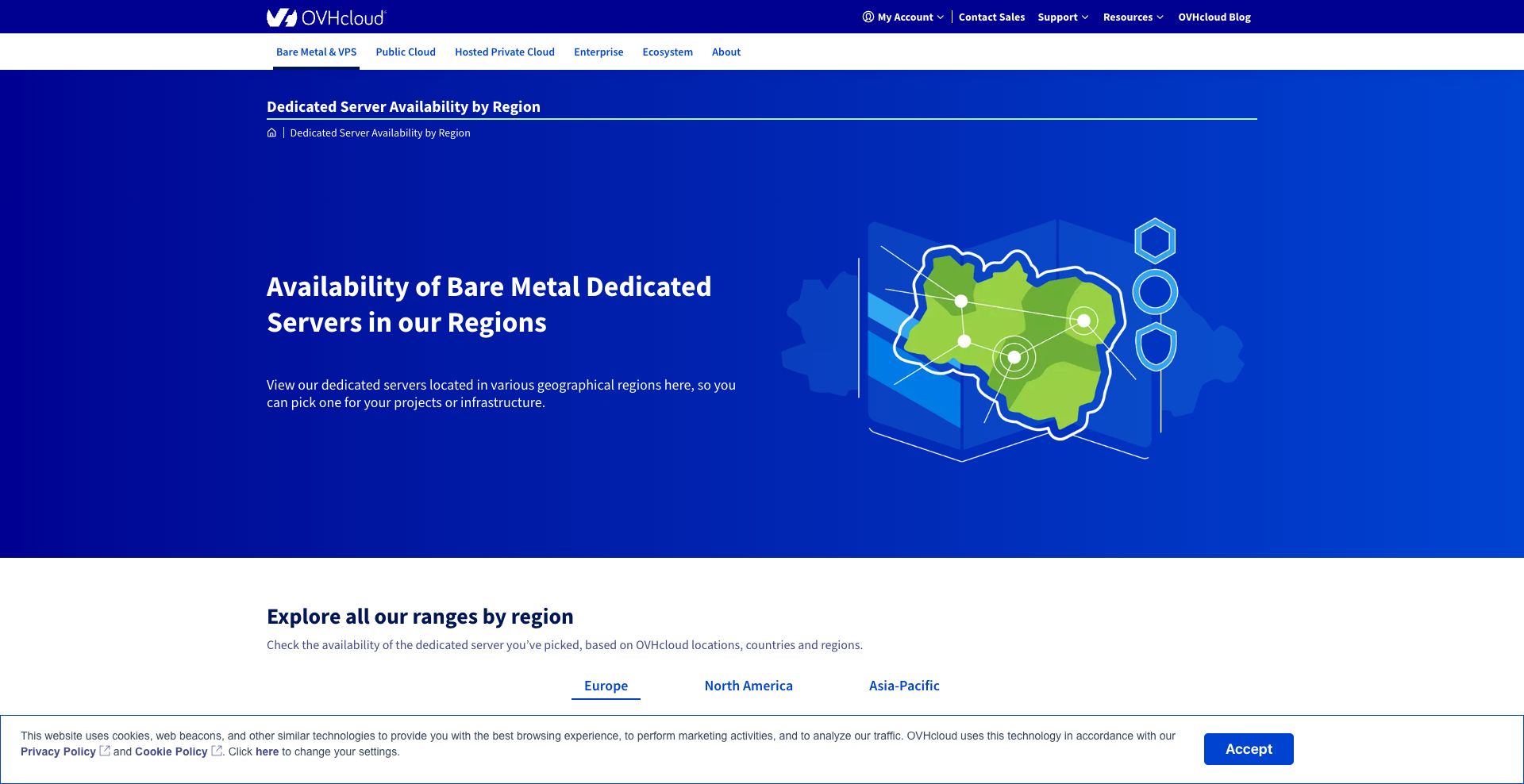
OVHcloud’s US availability page lists Advance-1 with an AMD EPYC 4244P, 32GB RAM, and 2 × 960GB NVMe storage at $147 per month, with a listed $147 setup fee. Options can change the price. Select the actual US region and in-stock configuration before ordering.
Strengths: A published server range makes CPU and disk comparisons easier. Buyers can assess NVMe configurations without treating every dedicated plan as the same product.
Limitations: Setup fees and commitments affect the effective cost. Hardware support does not automatically include operating-system administration or application recovery.
Before buying: Confirm public port speed, included transfer, private-network capacity, and DDoS coverage for the selected range. OVHcloud’s dedicated-server FAQ explains setup-fee waivers for qualifying commitments. Its Game range identifies Hillsboro and Vint Hill US locations, but range-specific protection should not be assumed for every server.
2. phoenixNAP
Automated bare metal for infrastructure teams
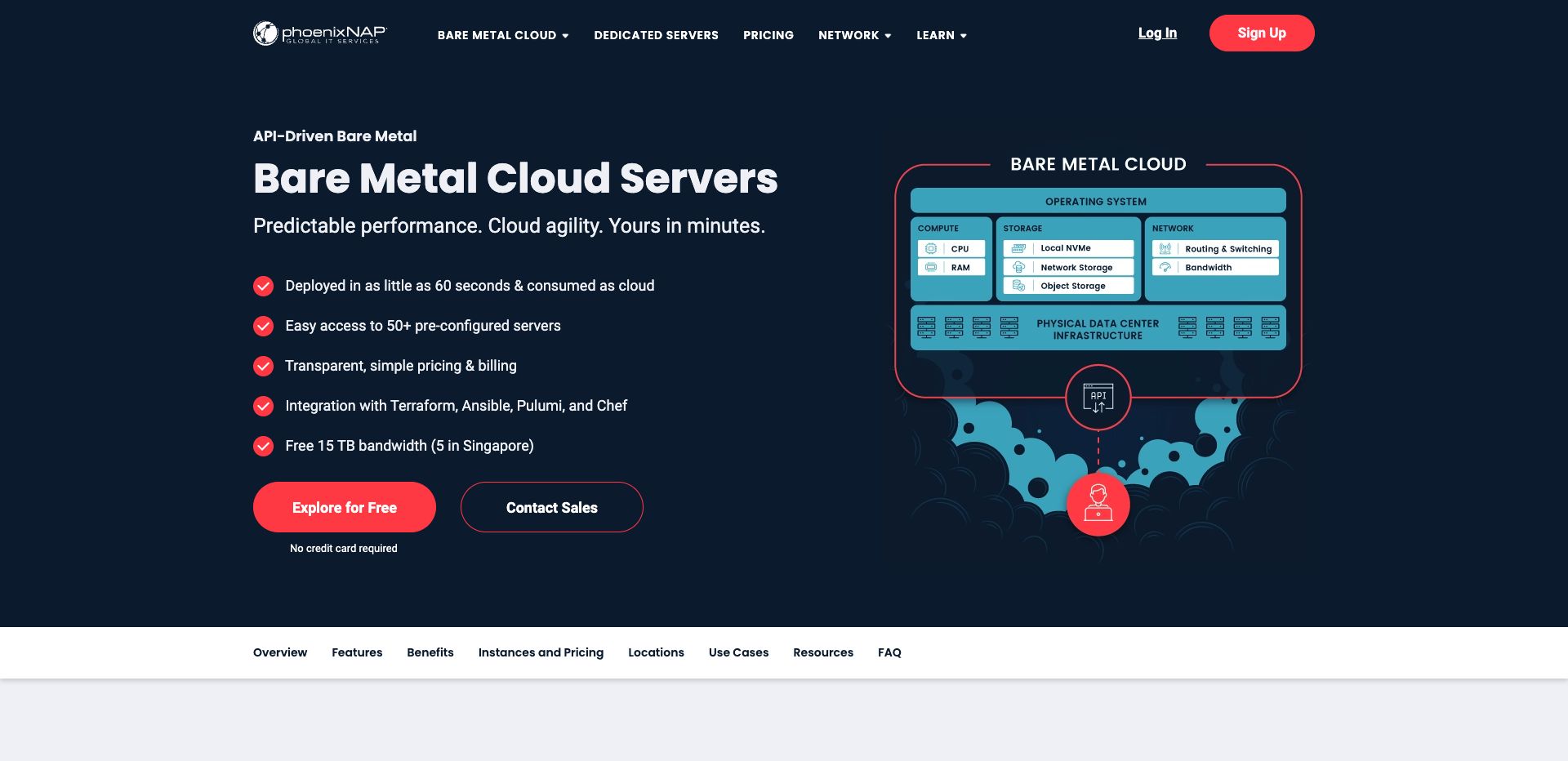
phoenixNAP Bare Metal Cloud offers single-tenant physical servers through a portal and API. It supports automation, custom operating-system options, and hourly or reserved billing. Its networking options also support connections to other cloud environments.
Strengths: This is a useful route for repeatable deployments and teams that manage infrastructure as code. Published US locations include Phoenix, Ashburn, Chicago, and Seattle; instance availability varies.
Limitations: Automation does not make the application managed. The lowest advertised price may refer to a different instance or reservation from the one a workload needs.
Before buying: The instance pricing page lists s2.c1.small with a Xeon E-2356G, 64GB RAM, and 1TB NVMe at $0.17 per hour. Compare the live reservation price, public bandwidth allowance, private-network design, and DDoS terms. Ask which management and recovery tasks remain yours.
3. Hivelocity
Server control and hybrid networking
Hivelocity’s dedicated-server range includes root access, remote management, API tools, custom ISO support, and private-network options. The listed $97 monthly E-2236 example has 16GB RAM, a 480GB SSD, 20TB transfer, and a 1Gbps port.
Strengths: Remote control and operating-system flexibility help technical teams. Its dedicated and virtual infrastructure can support a hybrid design within the provider’s services.
Limitations: The entry configuration is modest and is not an NVMe example. Larger disks, faster ports, management, and location choices can change the cost.
Before buying: Hivelocity describes built-in mitigation for volumetric Layer 3 and Layer 4 attacks on bandwidth-enabled services. Confirm the applicable limits and whether application-layer protection is separate. Also verify US stock, hardware replacement, backup pricing, and the exact tasks included in a managed service.
4. Vultr Bare Metal
Physical servers in a cloud workflow
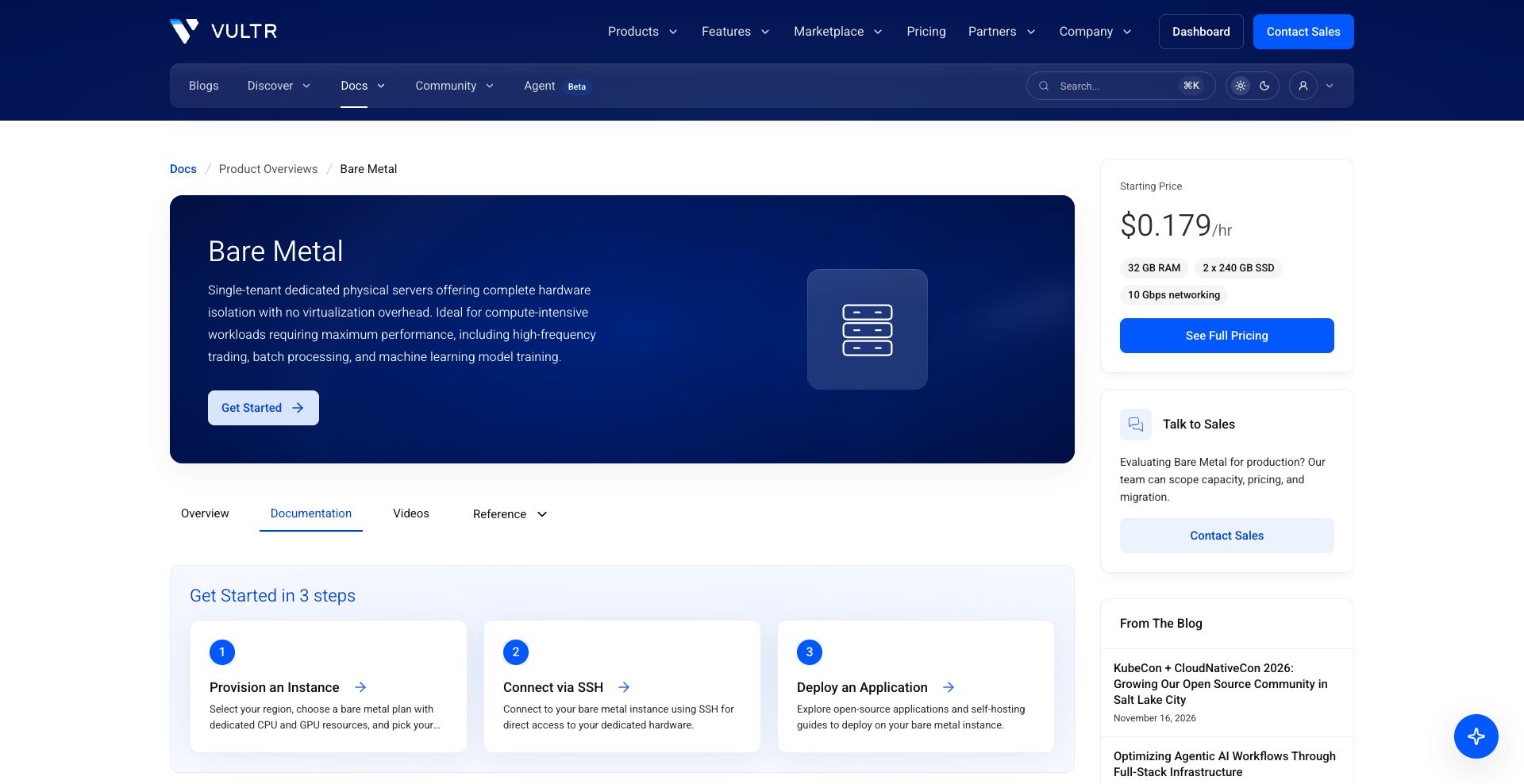
Vultr’s Bare Metal documentation describes dedicated physical instances, regional selection, SSH access, and operating-system management. Its entry reference lists $0.179 per hour, 32GB RAM, and 2 × 240GB SSD with 10Gbps networking.
Strengths: Teams can use a familiar cloud deployment workflow while selecting a physical server. Documentation covers networking and operating-system changes.
Limitations: The overview is not a guarantee of stock in every US location. A network interface speed is also not the same as an included transfer allowance or guaranteed sustained throughput.
Before buying: Confirm CPU, US location, billing cap, transfer allowance, and backup strategy in the exact plan. Vultr’s DDoS documentation describes Layer 3/4 protection; verify eligibility and price for the chosen bare-metal instance. Do not assume a cloud add-on applies identically to every product.
5. Liquid Web
A managed dedicated-server option
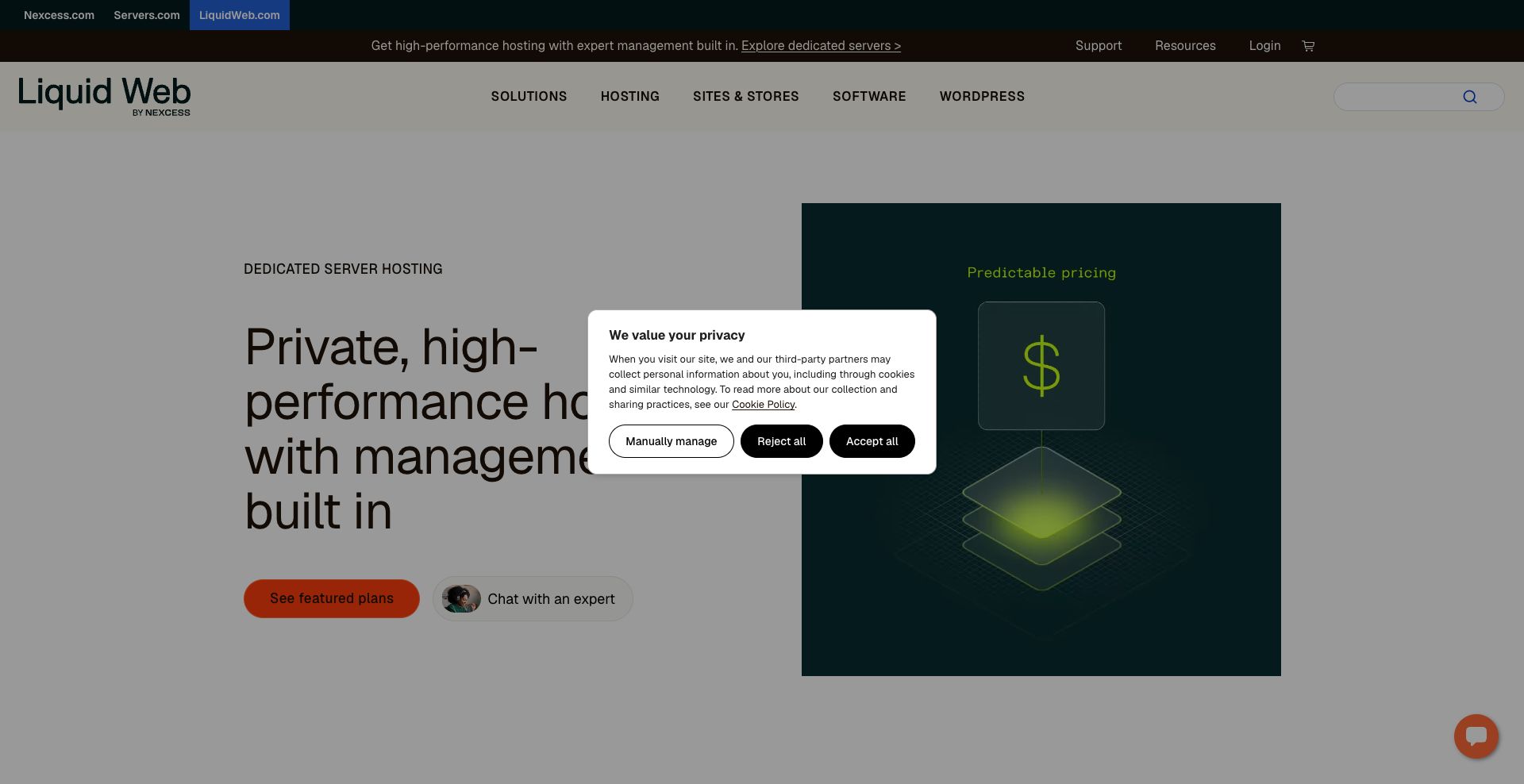
Liquid Web’s dedicated hosting page emphasizes managed services and round-the-clock support. Its E-2134 example lists 16GB RAM, a 480GB SSD, backup capacity, and 10TB bandwidth at $163.25 per month on a two-year promotional offer.
Strengths: Buyers can obtain physical resources with a managed operating model. This can help businesses that lack staff for routine server work.
Limitations: The quoted entry configuration is SSD rather than NVMe. Promotional terms, control-panel licenses, renewal rates, and management exclusions need a written review.
Before buying: Confirm the US facility, actual disk layout, DDoS scope, backup retention, and recovery responsibilities. Ask whether the selected management level supports your custom operating system or hypervisor. Root access and fully managed support can coexist, but unusual configurations may change what support covers.
6. Atlantic.Net
Configurable physical hosting with support options
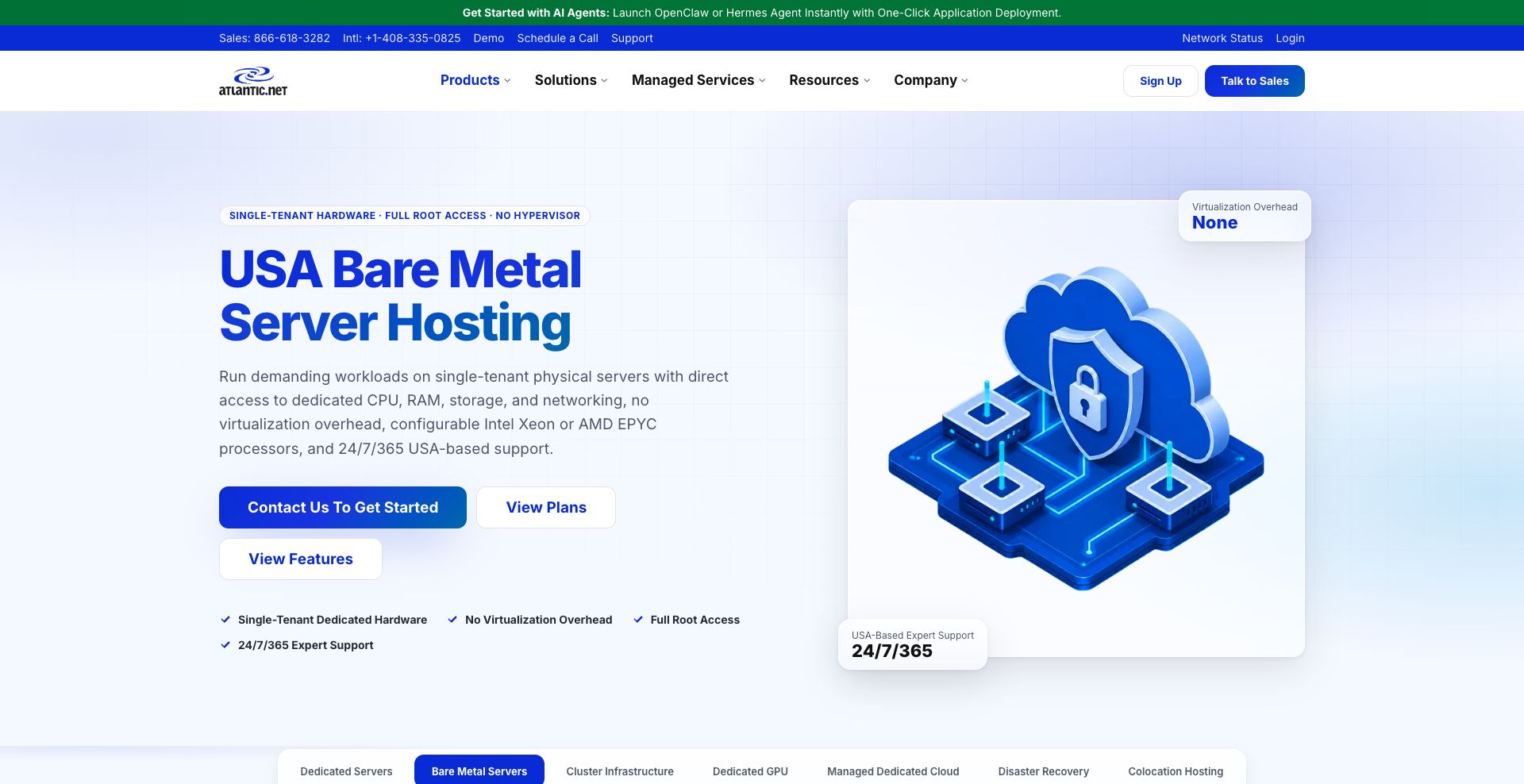
Atlantic.Net’s bare metal range provides single-tenant hardware and root access. BM.C1 lists a six-core Xeon E-2236, 64GB RAM, 2 × 480GB SATA storage, and 10TB transfer. The displayed one-year price is $315.84 per month; longer terms show different rates.
Strengths: The range offers a clear physical-server route and US-based support. Custom configurations can address requirements beyond the standard plans.
Limitations: BM.C1 is not an NVMe plan. Windows costs extra, and custom setup fees can vary. Obtain the final deployment quote rather than applying a cloud VPS price to bare metal.
Before buying: The separate dedicated hosting page describes optional management, backup, and firewall services. Confirm which are included, along with the US facility, DDoS coverage, port speed, operating system, and delivery date.
Bare metal versus a virtual machine
A bare metal server gives one customer access to the physical machine. A virtual machine receives virtualized resources on a host. Dedicated virtual CPU allocation and a dedicated physical server are therefore different purchasing choices.
Physical tenancy can help when a workload needs specific processors, direct hardware access, a custom hypervisor, or sustained resource use. It also reduces one source of resource contention. However, this does not prove that every bare metal server is faster than every VM.
A modern VM with enough memory and fast storage may outperform an older dedicated server. Meanwhile, virtual infrastructure can make resizing and replication easier. Compare the actual processor generation, storage behavior, network, and operating design.
| Requirement | Bare metal consideration | VM consideration |
|---|---|---|
| Sustained resource use | Whole-machine capacity may be economical | Pay for a size that fits normal and peak demand |
| Rapid resizing | Hardware changes may require migration or downtime | Often easier, subject to platform limits |
| Custom hypervisor or hardware access | Often a strong fit when permitted | May be restricted or require specialized instances |
| Recovery after hardware failure | Needs replacement and a tested restore or failover plan | Depends on platform storage and recovery design |
For a broader comparison of traditional dedicated services, see Codeless’s dedicated server hosting guide. This shortlist focuses on US physical deployments and the controls needed to operate them.
Match US bare metal hosting to the workload
Databases and storage-heavy applications
Size memory for the working set and storage for capacity, latency, and sustained writes. NVMe is useful for many I/O-heavy workloads, but the disk label alone cannot predict application performance. Ask about drive models, endurance, RAID options, and replacement procedures.
Test with realistic data and concurrent queries. Measure tail latency as well as average throughput. Keep backups separate from the primary machine; redundant disks are not a substitute for a recovery copy.
High-performance computing and virtualization
Match processor architecture, core count, clock speed, and memory capacity to the software. A workload limited by one thread may benefit more from faster cores than from a larger total core count.
For virtualization, confirm that your hypervisor is permitted and supported on the hardware. Review licensing, remote console access, network bridging, and address requirements. Also reserve resources for the host and management services.
Root access and custom operating systems
Root access permits deep administration, but it does not guarantee every custom OS will install successfully. Confirm boot methods, custom ISO support, drivers, rescue access, and the provider’s support boundary.
Choose a supported Linux distribution when it meets the application’s needs. If Windows or a commercial hypervisor is required, price the license and verify hardware compatibility. Keep installation media and recovery instructions available before making changes.
Networking, DDoS protection, and hybrid cloud
Compare port speed and included transfer separately. A 10Gbps interface describes a connection’s capacity; it does not mean unlimited monthly traffic or a guaranteed application transfer rate. Request the overage rate and any fair-use restrictions.
For DDoS protection, ask which attack layers are covered, the mitigation limits, and what happens when an attack exceeds them. Network-layer protection does not automatically replace a web application firewall. Confirm whether mitigation can interrupt legitimate traffic and how support handles an incident.
A hybrid design may put a database on bare metal and elastic application workers in a cloud environment. Check private connectivity, routing, address overlap, latency, and transfer charges before adopting that design. A provider’s API does not by itself establish a private link to another cloud.
High availability requires more than one server
A single physical machine remains a failure point, even with redundant disks and power supplies. If the service must stay available during a host failure, design application replication and failover across suitable failure domains.
Agree on the recovery time objective and recovery point objective: how long the service can be unavailable and how much recent data it can lose. Then choose replication, backups, and spare capacity that support those targets.
Ask whether two servers share a rack, network device, or power dependency. A second server only improves resilience when the application can use it and the design addresses relevant shared failures. Test the failover process instead of assuming that an infrastructure SLA provides it.
How to migrate from cloud VMs to bare metal
- Measure the current workload. Record CPU, memory, disk growth, I/O, traffic, and peak demand over a representative period.
- Choose and test the target. Match the operating system and application versions, then run realistic performance checks.
- Prepare security and recovery. Configure restricted access, monitoring, backups, and a tested restore path.
- Transfer data carefully. Use an application-appropriate replication or export process and verify integrity.
- Plan the cutover. Account for DNS, connection changes, write synchronization, and an agreed maintenance window.
- Keep a rollback route. Retain the original environment until the new service and data are verified.
Include cloud egress charges, duplicate hosting during migration, and license changes in the budget. Also identify managed cloud services that the physical server will not replace automatically. Database backups, load balancing, and monitoring may need separate arrangements.
Bare metal hosting USA: buyer checklist
- Verify that the product is a physical single-tenant server in the required US location.
- Record the exact CPU, RAM, drive type, RAID, port, and transfer allowance.
- Confirm root access, remote console, rescue tools, and custom OS support.
- Check deployment time and hardware replacement commitments.
- Separate infrastructure support from operating-system and application management.
- Request DDoS scope, limits, and any paid protection options.
- Compare setup, term, renewal, licensing, backup, and overage costs.
- Test performance and recovery before moving a critical workload.
Frequently asked questions
Which provider offers affordable NVMe bare metal?
Compare the live OVHcloud US and phoenixNAP configurations shown above, then request equivalent quotes elsewhere. Their NVMe examples use different processors, memory, and billing models. “Cheapest” requires the same location and workload requirements.
Does bare metal always include DDoS protection?
No universal package applies across providers. Some services include network mitigation, while others offer optional protection. Confirm the exact product’s coverage and limits in writing.
Can bare metal be used for high availability?
Yes, as part of a designed system with replication, failover, and recovery. One dedicated server alone does not provide application high availability.
Is managed bare metal worth the extra cost?
It can be when the included tasks match your needs and replace work your team cannot reliably perform. Compare the written management scope, escalation process, and recovery responsibilities against the cost of internal administration.
Conclusion: buy the configuration and operating plan
The best bare metal hosting USA choice depends on your workload and team. OVHcloud US and phoenixNAP deserve attention for published physical configurations and deployment options. Hivelocity and Vultr suit technical buyers seeking control. Liquid Web and Atlantic.Net offer routes for buyers considering additional management and support.
Shortlist two or three equivalent US configurations, obtain complete quotes, and run a realistic trial. Choose the provider whose hardware, network, support, and recovery process fit the service you need to run.

As one of the co-founders of Codeless, I bring to the table expertise in developing WordPress and web applications, as well as a track record of effectively managing hosting and servers. My passion for acquiring knowledge and my enthusiasm for constructing and testing novel technologies drive me to constantly innovate and improve.
Expertise:
Web Development,
Web Design,
Linux System Administration,
SEO
Experience:
15 years of experience in Web Development by developing and designing some of the most popular WordPress Themes like Specular, Tower, and Folie.
Education:
I have a degree in Engineering Physics and MSC in Material Science and Opto Electronics.

Comments